TV Shelf & Mount Safety Calculator
Enter Your TV Details
Est. Weight
-- lbsMin Shelf Depth
-- inRequired Rating
-- lbsSafety Recommendations:
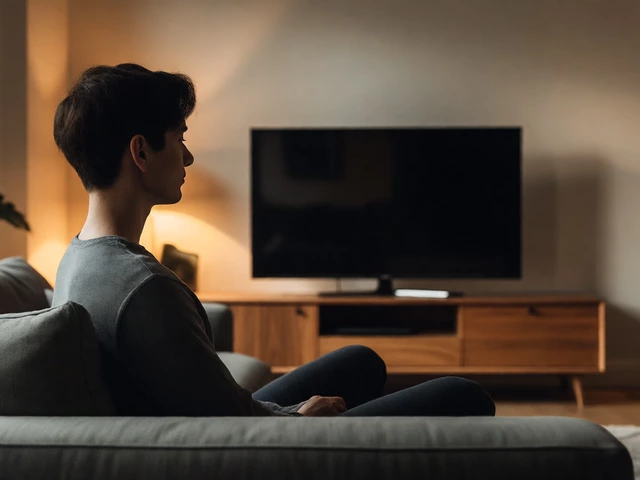
You just moved into that sleek apartment with the floor-to-ceiling windows, or maybe you’re trying to make a tiny bedroom feel twice as big. Either way, you’ve got a flat-screen television and absolutely no desire to clutter your space with a bulky wooden cabinet. The problem? Most TVs aren’t designed to just sit there. Their bases are often wide, ugly, or simply non-existent if you bought a premium model expecting a wall mount. So, how do you keep that expensive screen off the floor and safe from curious cats or toddler hands without drilling holes in the drywall?
It’s not about finding some random box to shove under the screen. It’s about engineering a solution that balances weight distribution, cable management, and aesthetics. Whether you’re renting and can’t touch the walls, or you just hate the look of traditional furniture, there are solid ways to prop up your TV. We’ll walk through the best methods, what gear you actually need, and the mistakes that will have your screen crashing to the ground before you finish Netflix.
The Wall Mount Alternative: Floating Shelves
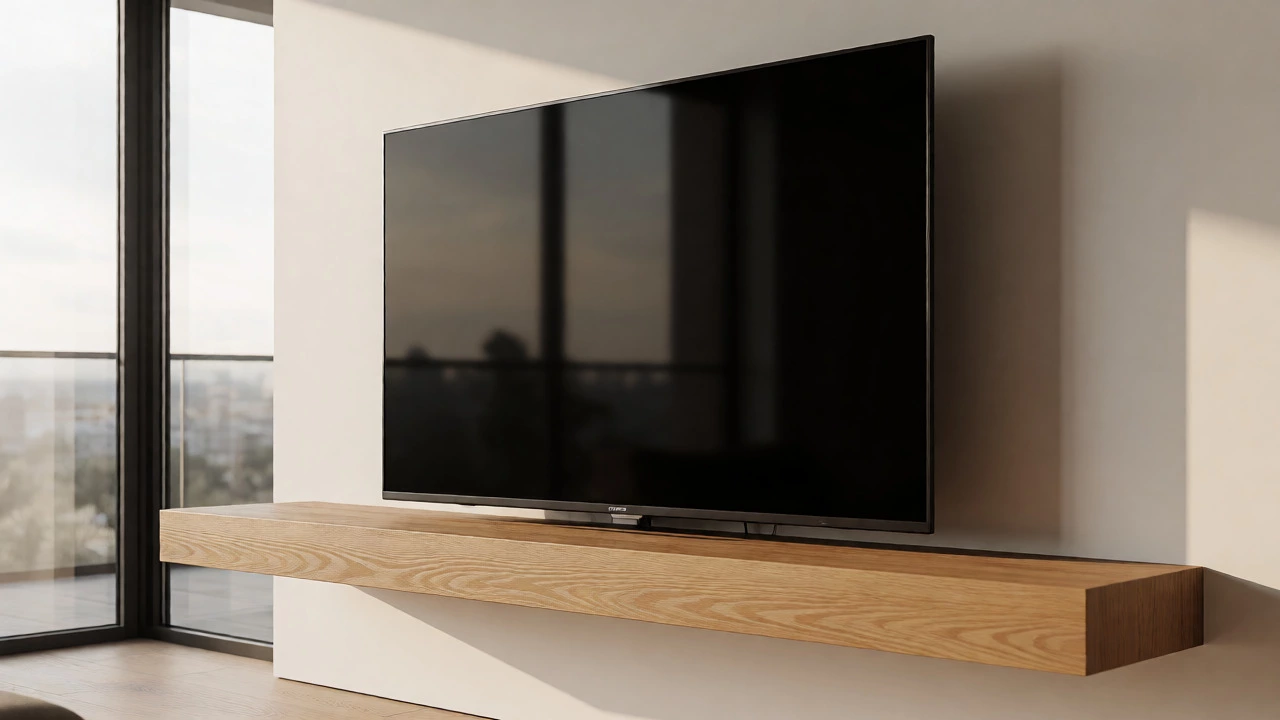
If you can’t drill into the studs for a heavy-duty mount, or if you want something less permanent than a bracket, a sturdy floating shelf is your best friend. This isn’t just any shelf from the dollar store. You need one rated for at least 50 pounds more than your TV’s weight. A 65-inch OLED might weigh 40 pounds, so you need a shelf rated for 90+ lbs to account for leverage and vibration.
Here’s the trick most people miss: the depth of the shelf matters more than the width. If your TV has a central pedestal (that little foot in the middle), you need a shelf deep enough-usually 10 to 12 inches-to support that base securely. If your TV sits on two legs, you need a wider shelf. Always place the TV so its center of gravity is directly over the shelf’s mounting points. If the TV hangs too far forward, it acts like a lever, pulling on the screws and eventually ripping the shelf out of the wall.
| TV Size | Avg Weight | Min Shelf Depth | Weight Rating Needed |
|---|---|---|---|
| 32-43 inch | 15-25 lbs | 8 inches | 50 lbs |
| 50-55 inch | 30-40 lbs | 10 inches | 80 lbs |
| 65-75 inch | 45-65 lbs | 12 inches | 120 lbs |
Furniture Hacks: Using Existing Pieces
You don’t always need new hardware. Look around your house. What do you already own that’s flat, sturdy, and waist-high? A fireplace mantel is classic, but only if it’s made of stone or brick. Wood mantels can bow under the weight of larger screens. If you have a long console table, that works great, provided the surface is stable. Avoid glass-topped tables unless they’re tempered and thick; a 70-pound TV on thin glass is a disaster waiting to happen.
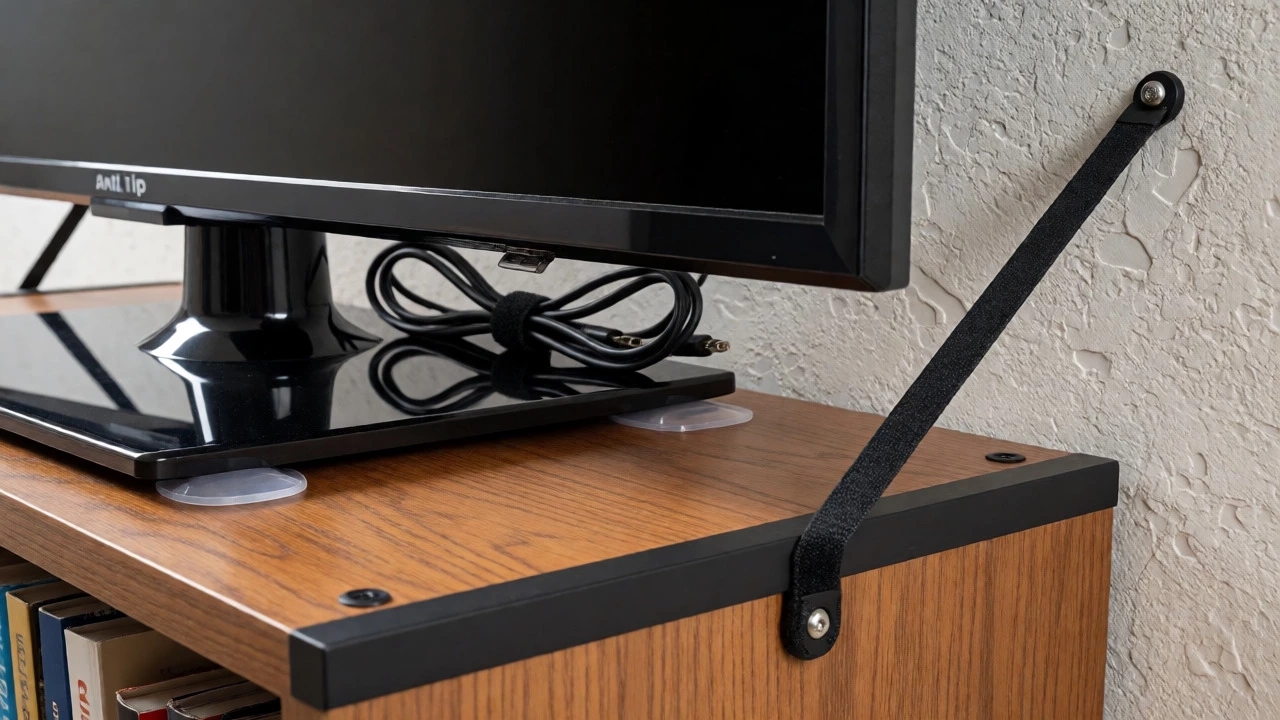
Bookcases are another option, but use them carefully. Standard particle-board bookcases often wobble. If you put a heavy TV on top, you risk tipping the whole unit forward. To fix this, push the bookcase flush against the wall and use an anti-tip strap (available at any hardware store for under $10) to secure it to the wall stud. This turns a flimsy piece of furniture into a legitimate TV stand substitute. Just make sure the books below aren’t hiding loose wires or remote batteries that could cause a fire hazard.
The Corner Solution: Triangular Stands
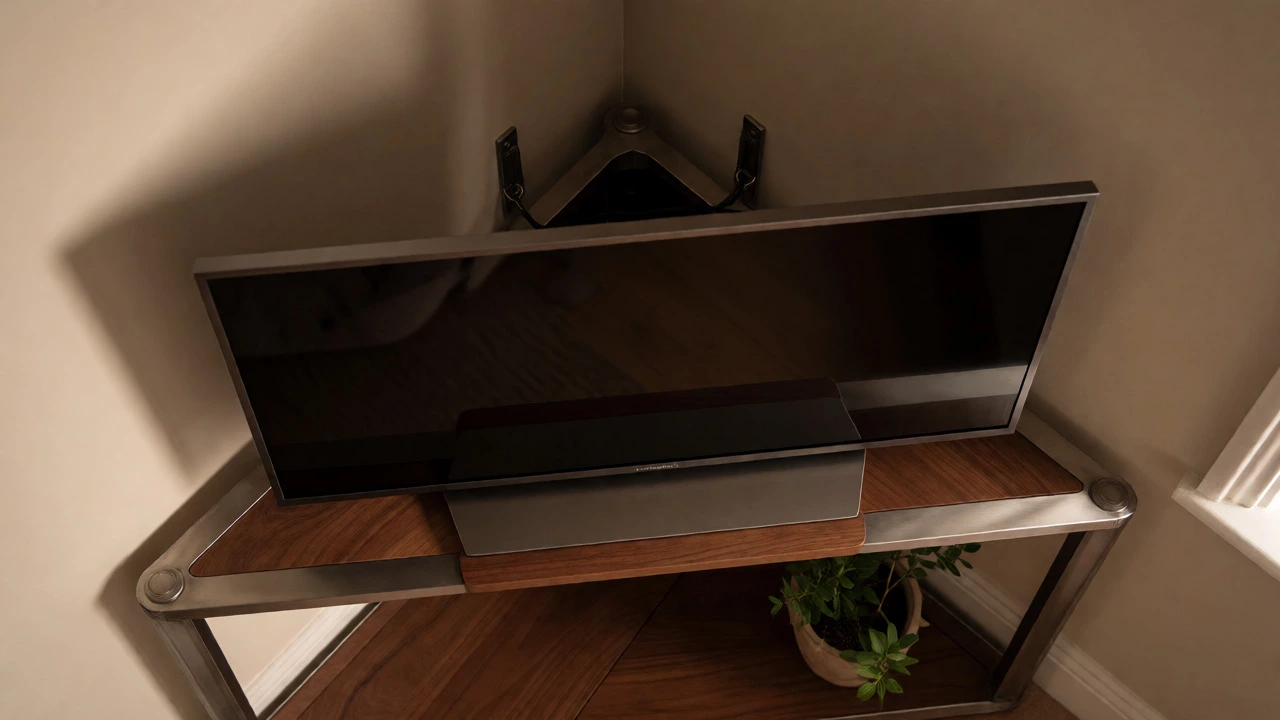
Corners are wasted space in most living rooms. If you’re trying to maximize square footage, consider a dedicated corner TV stand. These aren’t just small shelves; they’re engineered triangular platforms that distribute weight evenly across three points. They come in various materials-metal, wood, or glass-and many feature adjustable heights.
Why choose a corner stand over a wall mount? Flexibility. You can move it if you rearrange the room. Plus, many modern corner stands have built-in cable channels that hide the messy HDMI and power cords behind a sleek back panel. When shopping, look for models with a "VESA compatible" plate. This means the stand has a universal mounting pattern that fits most TV backs, allowing you to screw the TV directly onto the stand rather than balancing it on top. This is much safer for households with pets or kids.
Rental-Friendly Options: No-Drill Solutions
Living in Mississauga or anywhere else with strict landlord rules? Drilling holes might cost you your security deposit. Fortunately, technology has caught up. There are now adhesive wall mounts using industrial-strength strips (like Command strips, but rated for heavier loads). Check the packaging carefully. Most standard adhesive hooks hold 5-10 pounds. You need specific "heavy-duty" versions rated for 30-50 pounds, and even then, these are best for smaller TVs (under 40 inches).
Another no-drill option is a floor-standing pole mount. These look like tall lamp posts with a cradle on top. They rest on the floor and use tension rods or weighted bases to stay upright. While they lack the sleek "floating" look, they’re incredibly stable and easy to move. Some high-end models even allow you to adjust the height via a crank mechanism, letting you raise the TV when you’re sitting on the couch and lower it when you’re watching from the floor.
Safety First: Stability and Vibration
Regardless of which method you choose, stability is non-negotiable. A TV propped up incorrectly can vibrate during bass-heavy movie scenes, slowly walking itself off the edge of a shelf. To prevent this, use rubber feet or anti-slip pads under the TV’s base. These cheap silicone discs add friction and absorb micro-vibrations.
Also, check your cables. If your HDMI cords are taut, they pull on the ports every time the TV vibrates or someone bumps the stand. Leave a little slack. Loop the excess cable behind the TV or inside the stand. Tension on ports can damage both the TV and the source device (like your Xbox or Roku) over time.
Aesthetic Tips: Making It Look Intentional
Just because you’re skipping the stand doesn’t mean your setup should look accidental. If you’re using a floating shelf, paint it the same color as the wall to make it disappear, or contrast it sharply for a design statement. Add a few decorative items next to the TV-a small plant or a framed photo-but keep them light. Heavy decor on a narrow shelf shifts the center of gravity and increases tip-over risk.
For cable management, use zip ties or velcro straps to bundle wires together. Run them down the back of the leg or along the side of the shelf. Nothing ruins the vibe of a minimalist, stand-less TV setup faster than a nest of black wires dangling in mid-air. If you’re using a corner stand, route the cables through the hollow center column if available.
Common Mistakes to Avoid
- Ignoring Weight Limits: Never guess. Check the manufacturer’s spec sheet for your TV’s exact weight, including the base. Then check your shelf or stand’s rating. Always err on the side of caution.
- Using Unstable Furniture: A wobbly IKEA LACK table is fine for a laptop, not a 60-inch screen. Test the furniture first. Push it hard. If it rocks, it’s out.
- Blocking Ventilation: Propping a TV tightly against a wall or inside a cramped shelf niche can trap heat. Ensure there’s at least 2-3 inches of clearance around the vents (usually on the back or bottom) to prevent overheating.
- Forgetting Eye Level: Centering the TV on a low shelf might force you to crane your neck up. Ideally, the center of the screen should be at eye level when seated. Adjust your seating or shelf height accordingly.
Final Thoughts
Ditching the TV stand is a bold move that can open up your space and clean up your visual field. Whether you go with a reinforced floating shelf, a clever corner unit, or a simple bookcase hack, the key is respecting physics. Support the weight properly, manage the cables, and secure the unit against tipping. Do that, and you’ll have a sleek, modern viewing experience without the bulk of traditional furniture.
Can I hang a TV on drywall without a stud?
Yes, but only for lighter TVs (typically under 40 inches). You must use specialized drywall anchors rated for the TV's weight plus a safety margin. For larger TVs, hitting a stud is mandatory for safety.
Is it safe to put a TV on a dresser?
It depends on the dresser's stability and weight capacity. Solid wood dressers are usually fine. Particleboard dressers may sag or tip. Always anchor the dresser to the wall to prevent tipping forward.
Do all TVs come with stands?
No. Many premium or large-format TVs are sold without stands, assuming you will wall-mount them. Always check the box contents before purchasing if you plan to use a stand.
How high should I mount my TV?
The center of the TV screen should be at eye level when you are seated in your primary viewing position. For most living rooms, this is between 42 and 48 inches from the floor to the center of the screen.
Can I use a picture ledge for a TV?
Only for very small TVs (under 32 inches). Picture ledges are typically shallow and not rated for the leverage forces exerted by heavier, deeper screens.