TV Height Ergonomics Calculator
Find the perfect spot for your TV. Enter your measurements below to determine if your current setup is causing neck strain or if you need a tilt mount.
You’ve just unboxed your new 65-inch screen. The excitement is real. But then you stare at the empty spot on your TV stand or wall and hit a wall of doubt. Do you put it low, right on top of that sleek media console? Or do you mount it high, closer to the ceiling, like in those trendy living rooms on Pinterest?
Here’s the truth: getting this wrong can turn your movie night into a neck-straining nightmare. It’s not about what looks cool for five seconds; it’s about how your spine feels after two hours of binge-watching. Most people guess. They end up with "neck pain" or "eye strain," which are surprisingly common complaints linked directly to improper setup.
The Golden Rule: Eye Level Is Everything
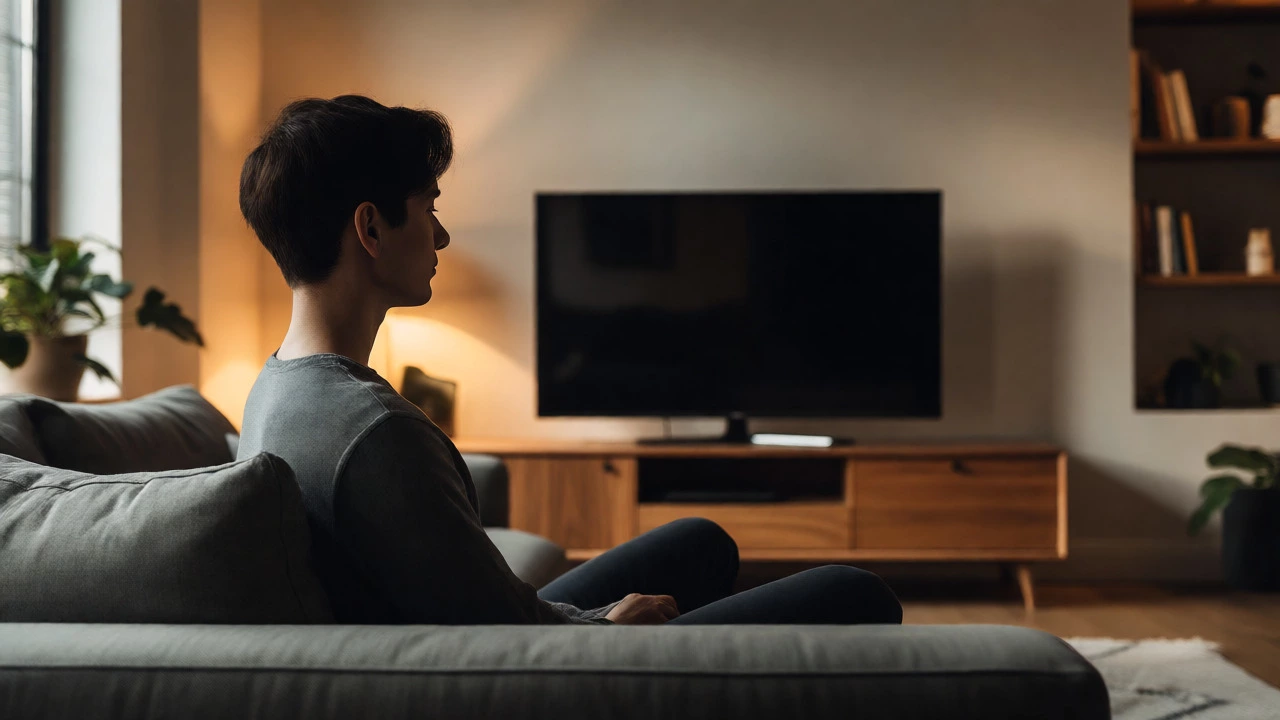
Let’s cut through the noise. The general rule of thumb from ergonomics experts and display manufacturers is simple: the center of your TV screen should be at or slightly below eye level when you are seated.
Why? Because looking down is easier on your neck than looking up. When you look up, your eyelids open wider, drying out your eyes faster. Plus, tilting your head back compresses the cervical spine. Looking down, even slightly, is more natural for the human body.
| Screen Size | Recommended Center Height from Floor | Typical TV Stand Height | Verdict |
|---|---|---|---|
| 40-43 inches | 42-48 inches | 16-20 inches | Low placement works fine. |
| 50-55 inches | 44-50 inches | 16-24 inches | Standard stands usually work. |
| 65 inches | 46-52 inches | 16-24 inches | Might need a taller stand or riser. |
| 75+ inches | 48-54 inches | 16-24 inches | Wall mounting often necessary. |
Notice the trend? As screens get bigger, the ideal center point moves higher off the floor because the screen itself is taller. If you put a massive 75-inch TV on a standard 18-inch stand, the bottom edge might sit at 18 inches, but the center could easily hit 55 inches or more. That forces you to tilt your head up. Not good.
When "Low" Is Actually Better
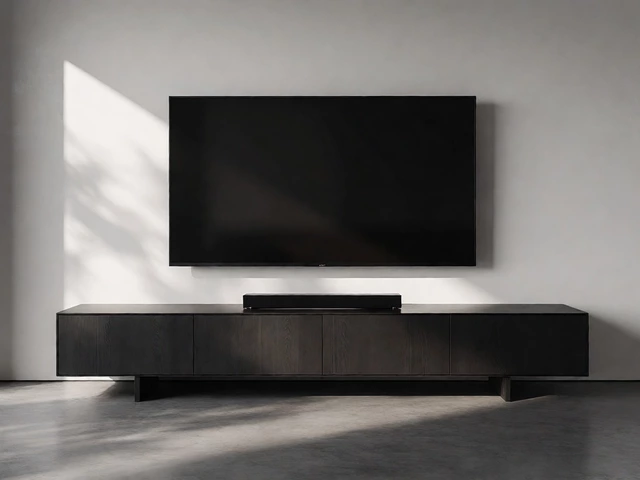
So, should your TV be low? In many cases, yes. Placing your TV on a media console is the most common setup for a reason. It’s stable, hides cables, and keeps the tech integrated into the room design.
This approach works best if:
- Your seating is close to the screen (under 8 feet).
- You have a smaller TV (under 55 inches).
- You prefer a minimalist look where the TV doesn't dominate the wall space.
But here’s the catch: standard furniture isn’t always designed for modern screen sizes. A typical bookshelf or dresser might be too short for a 65-inch panel. If the center of your screen ends up below 40 inches from the floor, you’re likely looking down too much. This causes "text neck"-that crick in your shoulder blades that ruins your evening.
When "High" Makes Sense (And How to Do It Right)
Mounting your TV high is popular for a few reasons: it saves floor space, it makes small rooms feel larger, and it allows for better cable management behind the drywall. But "high" is dangerous if you take it literally.
If you must mount high, you have two options:
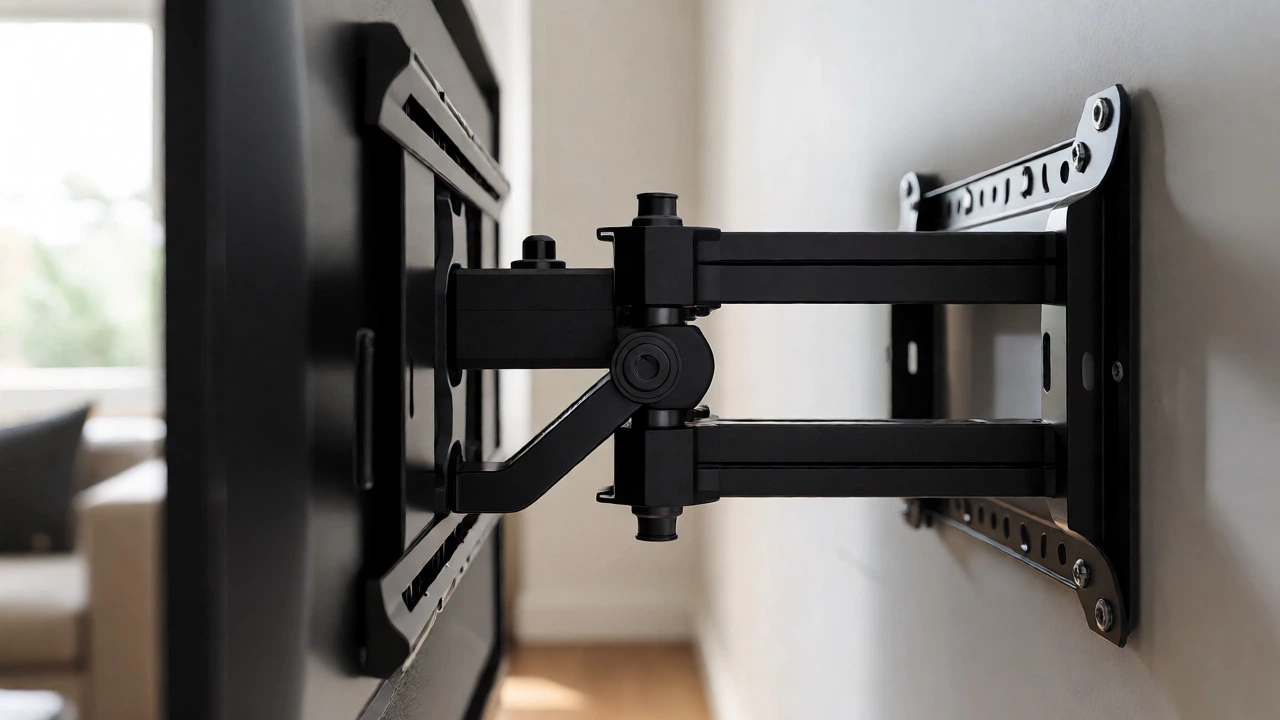
- Tilt Mounts: These allow the TV to angle downward toward your eyes. This compensates for the height difference. Look for mounts with at least 15 degrees of downward tilt.
- Full-Motion Arms: These let you pull the TV away from the wall and lower it when needed. Great for flexible viewing angles, though they cost more.
Avoid fixed mounts that keep the TV parallel to the wall if it’s mounted above 50 inches from the floor. You’ll spend the entire show straining your neck upward. Think about the last time you watched a game from the nosebleed section of a stadium. Now imagine doing that every night. Uncomfortable, right?
Calculating Your Perfect Height
Don’t guess. Measure. Here’s a quick formula to find your sweet spot:
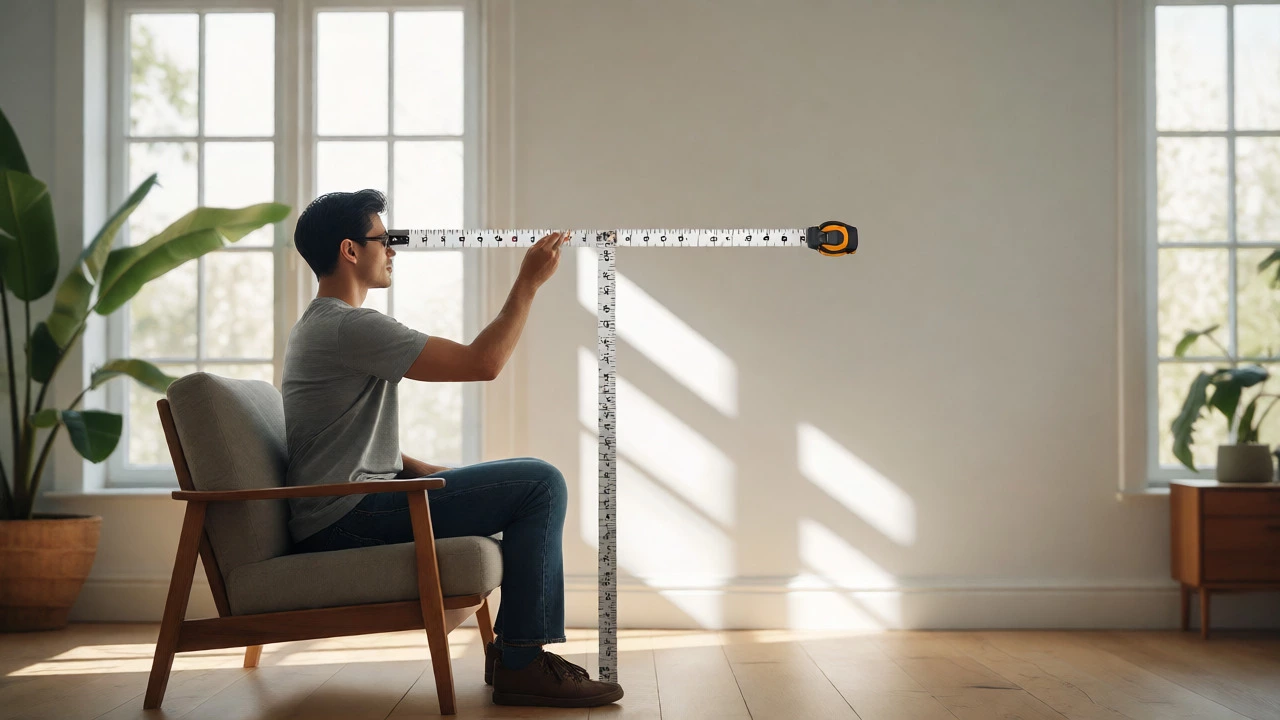
- Sit in your primary viewing chair.
- Have someone measure the distance from the floor to your eyes while you’re sitting naturally.
- Subtract 3-5 inches from that number. Why? Because looking slightly down is healthier than looking straight ahead.
- Find the center point of your TV screen. Check the specs online or measure the physical unit.
- Adjust your stand height or wall mount position so the screen center matches step 2.
For example, if your eye level is 45 inches, aim for a screen center at 42 inches. If your 55-inch TV has a height of 28 inches, half of that is 14 inches. So, the bottom of the TV should sit at 28 inches from the floor (42 minus 14). Does your current stand put the bottom at 28 inches? If not, adjust.
Common Mistakes to Avoid
Even with the best intentions, people mess this up. Here are the big ones:
- The Fireplace Trap: We all love having the TV over the fireplace. But fireplaces are tall. The mantel is often 48-54 inches high. Putting a TV there puts the center way above eye level. If you do this, use a heavy-duty tilt mount and accept some compromise, or move the seating further back.
- Ignoring Sofa Depth: Deep sofas push you backward. If you sink into a plush sectional, your eyes drop relative to the floor. Measure from your actual sitting position, not just the front of the couch.
- Forgetting the Soundbar: If you use a soundbar, it adds height. Place the TV *above* the soundbar, not behind it, unless you want muffled audio. Ensure the combined height doesn’t push the screen center too high.
Style vs. Comfort: Can You Have Both?
You want your living room to look good, but you don’t want to feel like you’re working out your neck during Netflix. The solution is integration.
If you’re building custom cabinetry, build the niche for the TV at the correct ergonomic height, not just centered on the wall. If you’re buying a TV stand, look for adjustable shelves or risers. Many modern stands come with interchangeable legs or spacers specifically to help you dial in the height.
Also, consider the aspect ratio. Wider screens (like 21:9) are shorter vertically, making them easier to place lower. Taller screens require more vertical clearance.
Final Verdict: High or Low?
Should your TV be high or low? Neither extreme is perfect. Aim for "just right."
Go Low if: You have a smaller TV, shallow seating, or prefer traditional furniture setups. Just ensure the center isn’t below 40 inches.
Go High if: You have limited floor space, large screens, or deep seating. But only if you use a tilt mount to angle the screen down toward your eyes.
The best setup is invisible. You shouldn’t notice the TV’s position until it’s wrong. Once you nail the height, everything else-picture quality, sound, content-becomes easier to enjoy. So grab a tape measure, sit down, and check your sightlines. Your future self will thank you.
Is it bad to watch TV with my head tilted up?
Yes, prolonged upward gaze can cause neck strain and dry eyes. Your eyelids open wider when looking up, increasing tear evaporation. Additionally, extending your neck backwards compresses the vertebrae, leading to discomfort over time.
How far should I sit from my TV?
For 4K TVs, sit between 1 to 1.5 times the diagonal screen size away. For example, a 55-inch TV requires a viewing distance of roughly 4.5 to 7 feet. This ensures you see details without noticing pixels, while keeping the screen within a comfortable field of view.
Can I put my TV above a fireplace?
You can, but it’s rarely ergonomic. Fireplaces are often too high, forcing you to look up. If you must, use a full-motion tilt mount to angle the screen down, and ensure heat vents aren’t blowing directly onto the electronics, which can shorten their lifespan.
Does TV height affect picture quality?
Not significantly for modern LED/OLED panels, which have wide viewing angles. However, extreme vertical angles can reduce contrast and color accuracy slightly. More importantly, poor height affects perceived immersion and comfort, which impacts your overall experience more than technical specs.
What if my sofa is very deep?
Deep sofas lower your effective eye level relative to the floor. Measure your eye height while slouching comfortably in the back cushions, not sitting upright. You may need to raise the TV or use a tilt mount to compensate for the lower viewing position.