TV Stand Size Visualizer & Calculator
Ideal Width
--
Ideal Depth
--
Ideal Height
--
Select options above to see specific advice.
Quick Tips:
- Tip 1
- Tip 2
You just hung your new 65-inch screen on the drywall. It looks sleek, modern, and space-saving. But now you’re staring at an empty patch of floor beneath it, wondering what to put there. Should you skip the stand entirely? If you buy one, how wide should it be? Too small, and it looks like a toy under a giant monitor. Too big, and it swallows the room or hides the soundbar. This isn’t just about aesthetics; it’s about function, safety, and making sure your media console actually works with your setup.
Here is the short answer before we get into the details: For most wall-mounted TVs, aim for a stand that is at least as wide as the TV itself, but ideally 20-30% wider. This creates visual balance without overwhelming the space. But "ideal" depends on your specific goals-whether you need storage, where your cables go, and if you plan to add speakers later.
The Visual Balance Rule: Why Width Matters More Than You Think
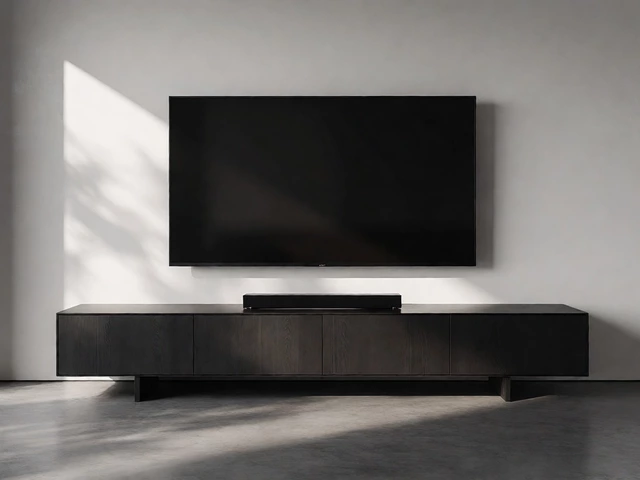
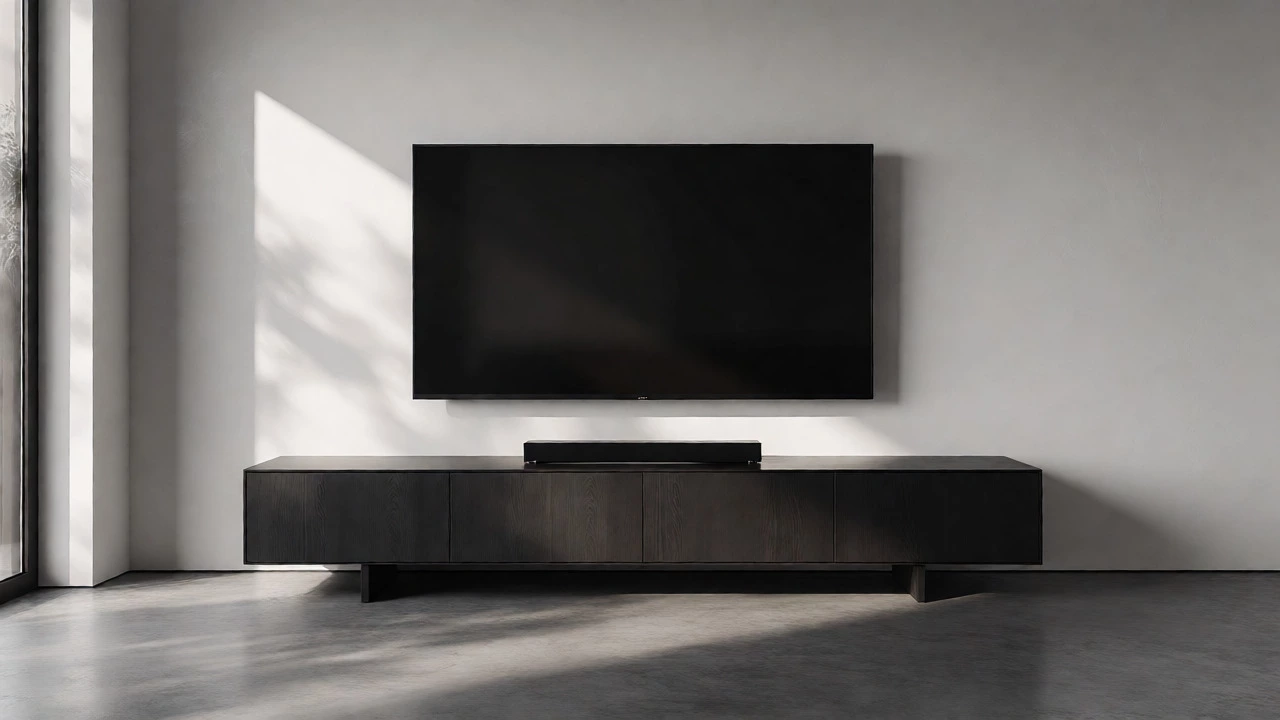
Human eyes look for symmetry and proportion. When a large object (your TV) floats above a smaller object (a tiny table), it feels precarious. Psychologically, it suggests instability, even if the mount is solid steel. The general rule of thumb used by interior designers is the 1.5x rule. Your TV width should not exceed roughly two-thirds of your stand's width. Conversely, the stand shouldn't be so wide that it extends beyond the TV's visual footprint by more than 30%, unless you are intentionally creating a long horizontal anchor line across the wall.
Let’s break this down by common TV sizes. A standard 55-inch TV has a screen width of approximately 48 inches. If you place a 40-inch stand under it, the gap on either side will make the TV look top-heavy. A 60-inch stand provides breathing room. For a massive 75-inch TV (approx. 66 inches wide), you’ll want a stand between 70 and 85 inches wide. This isn’t arbitrary; it ensures the base of the composition supports the weight visually.
| TV Screen Size (Diagonal) | Approximate TV Width | Minimum Stand Width | Ideal Stand Width |
|---|---|---|---|
| 43 - 50 inch | 38 - 44 inches | 40 inches | 48 - 55 inches |
| 55 inch | 48 inches | 50 inches | 60 - 65 inches |
| 65 inch | 57 inches | 60 inches | 70 - 75 inches |
| 75 inch | 66 inches | 68 inches | 80 - 90 inches |
| 85 inch+ | 74+ inches | 76 inches | 90+ inches |
Depth and Height: Avoiding the "Floating Box" Effect
Width gets all the attention, but depth determines whether your setup feels integrated or disjointed. Most modern TVs are incredibly thin-often less than 2 inches deep excluding the bezel. If you pair this with a deep 20-inch cabinet, the TV might look like it’s floating in mid-air too far forward, especially if you have shallow viewing distances.
For wall-mounted setups, shallower stands often work better. Look for consoles with a depth of 14 to 16 inches. This keeps the profile low and prevents the unit from protruding too far into walkways. However, if you need to hide bulky components like AV receivers or gaming consoles, you might need a deeper unit (18-20 inches). Just ensure the TV is mounted close enough to the wall so it doesn’t appear detached from the furniture below.
Height is another critical factor. If your TV is mounted high (common for comfort when seated on a sofa), you don’t necessarily need a tall stand. In fact, a lower-profile unit (under 18 inches high) often looks cleaner because it doesn’t compete with the screen. If you mount the TV lower, eye-level, a taller stand can help bridge the gap between the floor and the screen, creating a cohesive vertical column.
Functionality Over Form: What Are You Actually Storing?
Do you really need a TV stand? If your only device is a streaming stick plugged directly into the back of the TV, you might not need any furniture at all. A simple floating shelf or nothing at all can look ultra-minimalist. But most people have more gear. Here is how to decide:
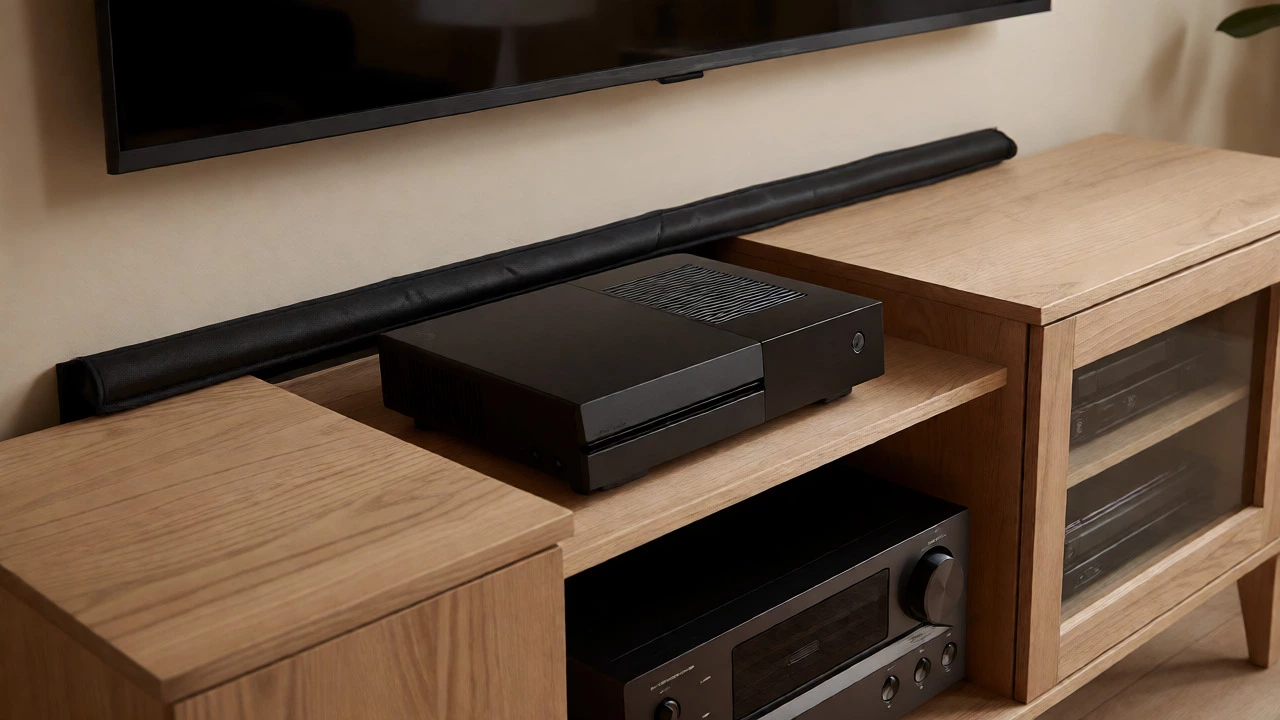
- The Cable Management Need: Wall mounts often leave visible wires unless you use in-wall kits. A stand with a back panel helps hide these messes. If you choose a glass or open-shelf stand, you must invest in cable sleeves or raceways, which adds cost and complexity.
- The Gaming Console Factor: Xbox Series X and PS5 are large. Ensure the internal shelf height of your stand is at least 6-8 inches per compartment. Standard shelves are often too tight, forcing you to stack consoles vertically, which risks overheating.
- The Soundbar Dilemma: Many people place soundbars on the stand. Measure your soundbar’s height and width. If your stand has a raised lip or decorative front, it might block the sound projection. Ideally, the soundbar sits flush against the front edge, not recessed behind a door.
If you have no devices to store, consider skipping the traditional boxy stand. Instead, opt for a floating console or a low-profile bench-style unit. These maintain the visual weight required for balance but offer less bulk. They are perfect for small apartments where floor space is premium.
Spacing and Clearance: The Invisible Dimensions
There is a physical gap between the bottom of your wall-mounted TV and the top of your stand. This gap matters. If it’s too small, the setup looks cramped. If it’s too large, the connection breaks, and the TV seems to hover awkwardly.
Aim for a clearance of 4 to 6 inches between the bottom of the TV frame and the top surface of the stand. This allows air circulation for any devices placed on top and makes cleaning easier. It also provides visual breathing room. If you mount your TV very high (for example, above a fireplace), the gap might naturally be larger. In this case, a taller stand (20+ inches) helps reduce that empty space, pulling the eye downward and anchoring the composition.
Also, check your viewing angle. If the stand is very tall and the TV is mounted low, you might find yourself looking up slightly. While ergonomic guidelines suggest looking straight ahead or slightly down, a slight upward gaze is acceptable if the rest of the setup is comfortable. Just ensure the center of the screen is no higher than your eye level when seated.
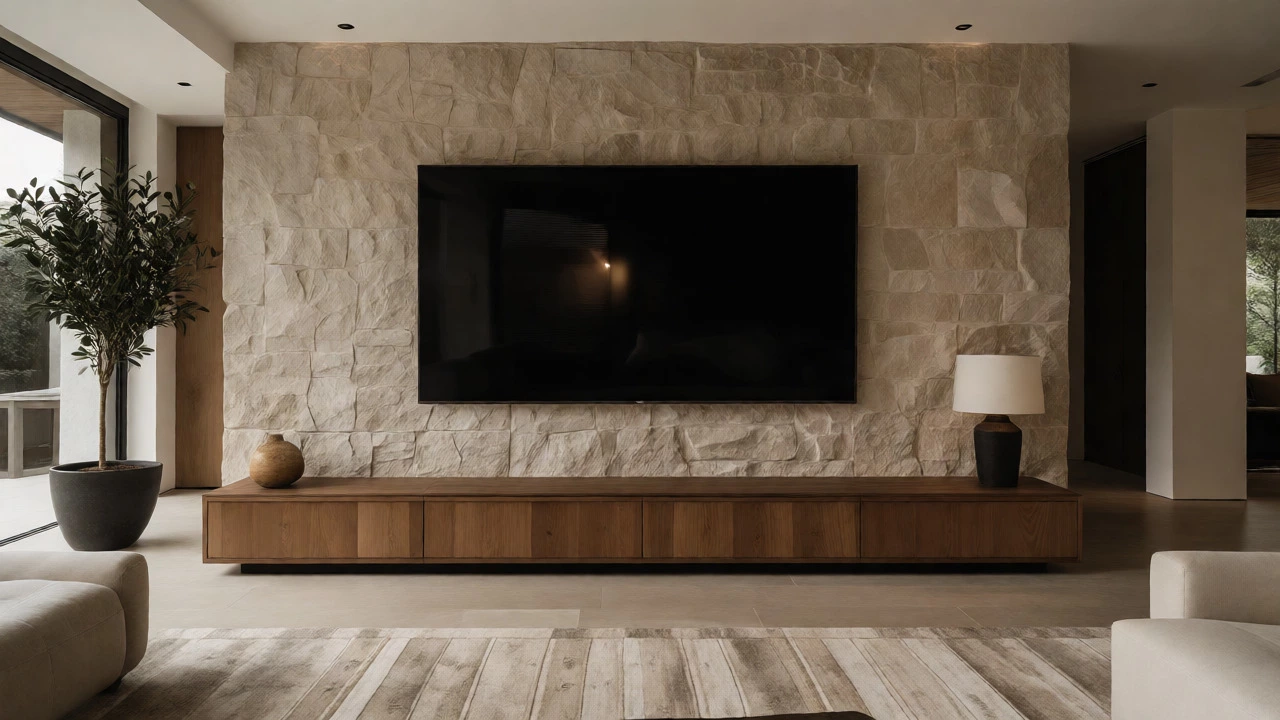
Material and Style: Matching the Vibe Without Clashing
Wall-mounted TVs feel modern and tech-forward. Your stand should complement this, not fight it. Dark woods like walnut or matte black finishes tend to blend well with the black bezels of modern screens. Light woods like oak or birch can brighten a room but may create a stark contrast if the TV is very dark. Glass tops add lightness but show dust and fingerprints instantly.
Consider the legs. Floating stands or units with hidden bases enhance the "wall-mounted" illusion by keeping the floor line clean. Legs with intricate designs can distract from the simplicity of the screen. If you have pets or kids, avoid open shelving with no doors; dust and chaos accumulate quickly in those open compartments.
Common Mistakes to Avoid
First, don’t buy based on the box size alone. Always measure the actual unit. Marketing images often exaggerate proportions. Second, ignore the advice to match everything perfectly. You don’t need your TV stand to exactly match your coffee table. Mixing materials (e.g., wood top with metal legs) can look sophisticated if done carefully.
Third, forget about future-proofing. If you plan to upgrade to a 75-inch TV in two years, buying a 50-inch stand now means replacing it later. Buy for the largest screen you realistically expect to own within the next five years.
Finally, check the weight limit. While the TV is on the wall, the stand still holds electronics. If you load it with heavy subwoofers or multiple consoles, ensure the shelves are sturdy. Particleboard shelves sag over time; solid wood or reinforced MDF lasts longer.
Can I use a TV stand that is narrower than my TV?
Yes, but it requires careful styling. A narrower stand creates a minimalist look but can feel unstable visually. To make it work, ensure the stand is centered perfectly and keep the area around it clutter-free. Use decor on the sides to widen the visual base, such as plants or lamps, to balance the top-heavy appearance.
How far should the TV be from the wall when using a stand?
Since the TV is wall-mounted, its distance from the wall is determined by the mount type (fixed vs. full-motion). Fixed mounts keep the TV close (1-2 inches). Full-motion mounts extend further. Ensure your stand does not interfere with the TV’s ability to tilt or rotate. Leave at least 2-3 inches of clearance between the stand's back and the wall if you need access to ports.
Is it okay to skip the TV stand entirely?
Absolutely. If you have no external devices (using smart TV apps instead) and manage cables invisibly, skipping the stand maximizes floor space and creates a ultra-clean aesthetic. Consider adding a rug underneath to define the zone without adding furniture.
What is the best height for a TV stand under a wall-mounted TV?
Lower is generally better for modern aesthetics. Aim for 12-18 inches in height. This keeps the focus on the screen and avoids competing with the TV visually. Taller stands (20+ inches) are only recommended if the TV is mounted very high, such as above a fireplace, to reduce the vertical gap.
Do I need a special stand for curved TVs?
Not necessarily, but pay attention to the depth. Curved TVs bulge outward at the edges. Ensure your stand is deep enough so the TV doesn’t overhang the front edge significantly, which could cause tipping if bumped. Also, check that the stand width accommodates the widest point of the curve, not just the flat screen width.