
Posture Risk Analyzer
Not all chairs are created equal. Select the type of chair you currently use to understand its impact on your spinal health and posture.
Key Issues:
Have you ever sat down after a long day and felt like your spine was screaming for mercy? You’re not alone. Millions of people suffer from back pain, neck strain, and fatigue simply because they are sitting on the wrong chair. It’s easy to think that any seat will do, but the truth is harsh: some chairs are actively working against your body’s natural alignment.
We spend roughly one-third of our lives sitting. If you work from home or have a desk job, that number climbs even higher. The chair you choose isn’t just about comfort; it’s a critical piece of equipment for your long-term health. In this guide, we’ll break down exactly which types of chairs are bad for posture, why they cause damage, and what features you should look for instead.
The Hidden Dangers of Soft Sofa Seating
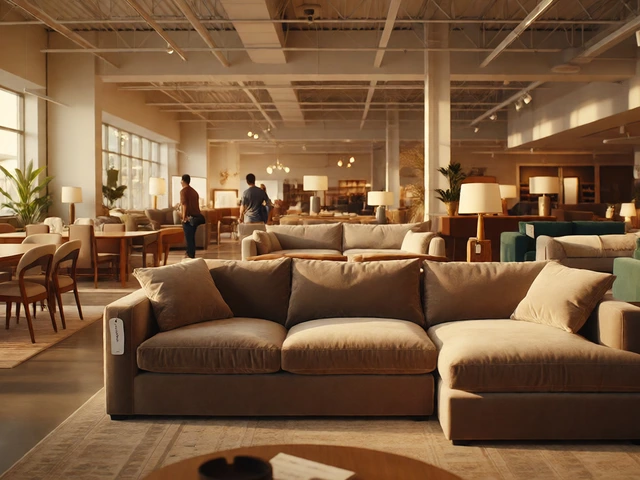
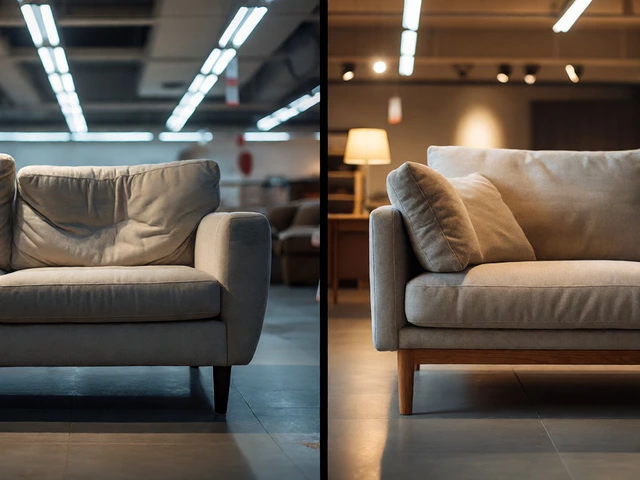
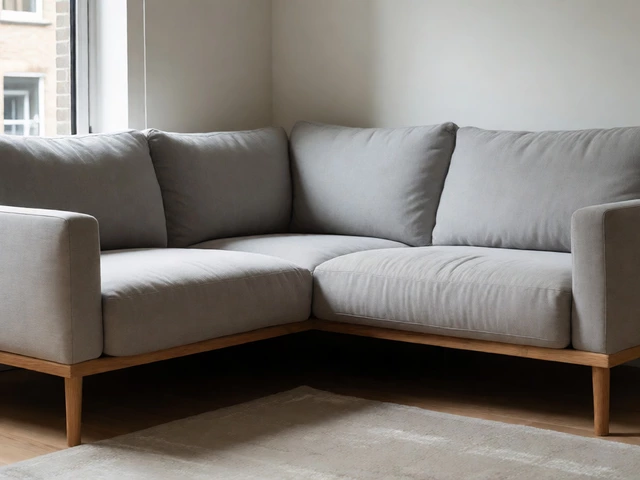
Let’s start with the most common culprit: the sofa. We love sinking into a plush couch after a hard day’s work. It feels luxurious. But when it comes to posture, soft sofas are essentially traps. Soft sofas are upholstered furniture designed for relaxation rather than structural support. Because the cushions compress under your weight, your hips sink lower than your knees. This position forces your spine into a C-shape curve, flattening the natural inward curve of your lower back.
This slouching position puts immense pressure on your spinal discs. Over time, this can lead to herniated discs and chronic lower back pain. Even if you prop pillows behind you, the lack of firm lateral support means your torso twists and shifts constantly, engaging stabilizing muscles unnecessarily and leading to fatigue. For short naps, sure. For working or reading for more than twenty minutes? It’s a recipe for disaster.
Why Dining Chairs Fail at Desk Work
Another popular mistake, especially for those setting up a quick home office, is using dining chairs. They look nice, they match the kitchen, and they cost less than an ergonomic chair. However, Dining chairs are static seating designed for short-term use during meals. They typically lack armrests, adjustable height mechanisms, and crucially, lumbar support.
Without lumbar support, your lower back has nothing to lean against. Your core muscles have to work overtime to keep you upright. After thirty minutes, those muscles tire out, and you slump forward. This forward head posture-where your chin juts out toward your keyboard-is a major contributor to neck pain and tension headaches. Additionally, many dining chairs have fixed heights. If your feet don’t rest flat on the floor with your thighs parallel to the ground, blood flow to your legs is restricted, causing swelling and discomfort.
The Problem with Bean Bags and Floor Seating
Bean bags were once the ultimate symbol of cool, casual living. Today, they are widely recognized by physical therapists as one of the worst options for sustained sitting. A Bean bag chair is a flexible container filled with polystyrene beads that conforms to the user's shape without providing resistance. While this sounds comfortable, it offers zero structural integrity.
Your body does the heavy lifting here. To stay balanced, your pelvis tilts posteriorly, rounding your lower back. Your shoulders hunch forward to compensate. There is no way to adjust a bean bag to fit your specific body dimensions. Whether you are five feet tall or six-foot-five, the chair remains amorphous. This lack of consistency means your spine is never in a neutral, supported position. Using a bean bag for gaming or studying for extended periods can accelerate disc degeneration and lead to poor spinal alignment habits that are hard to break.
Hard Wooden Chairs Without Cushioning
On the opposite end of the spectrum from the overly soft sofa is the hard wooden chair. Think of traditional church pews, classic library chairs, or un-cushioned stools. While these seats prevent the "sinking" effect of sofas, they introduce a different set of problems. Hard surfaces create high-pressure points on your sit bones (ischial tuberosities). This discomfort causes you to shift your weight frequently, often adopting awkward angles to relieve the pressure.
Furthermore, rigid chairs usually lack any contouring for the spine. Your back rests against a flat, unyielding surface. This prevents the natural S-curve of your spine from being maintained. Over time, the constant micro-adjustments you make to find a comfortable spot can lead to muscle imbalances and joint strain in the hips and lower back. Comfort is subjective, but physiological support is not. A seat must distribute weight evenly to be healthy.

Gaming Chairs: Style Over Substance?
Gaming chairs have exploded in popularity, mimicking the look of racing car seats. They often feature bright colors, aggressive designs, and plush padding. However, many mass-market gaming chairs prioritize aesthetics over ergonomics. Unlike professional ergonomic office chairs, many gaming chairs have a recline angle that encourages leaning back excessively, which can flatten the lumbar curve if not adjusted correctly.
The bucket-seat design, intended to hold you in place during intense gaming sessions, can actually restrict natural movement. Humans are not meant to be locked in one position. High-quality ergonomic chairs allow for dynamic sitting-shifting positions while maintaining support. Cheap gaming chairs often use low-density foam that breaks down quickly, losing its supportive properties within months. If you invest in a gaming chair, ensure it has adjustable lumbar support, proper thigh clearance, and breathable materials, otherwise, it’s just another pretty chair that hurts your back.
Stools Without Back Support
Bar stools and counter stools are great for casual conversations or quick snacks. They are terrible for focused work. Sitting on a stool without back support requires significant core engagement to maintain an upright posture. Most people cannot sustain this level of muscular effort for more than ten to fifteen minutes before collapsing into a slouched position.
When you lose that core engagement, your pelvis tucks under, and your spine rounds. This places uneven stress on the vertebrae. Additionally, stools often place your legs in a dangling position if the height isn’t perfect, cutting off circulation. For tasks requiring concentration, typing, or reading, always choose a chair with a backrest. The backrest acts as a passive support system, allowing your active muscles to relax and function efficiently.
Comparison of Chair Types and Postural Impact
| Chair Type | Lumbar Support | Adjustability | Postural Risk Level | Best Use Case |
|---|---|---|---|---|
| Ergonomic Office Chair | High (Adjustable) | Full (Height, Depth, Arms) | Low | Work, Study, Long Sessions |
| Soft Sofa | None (Compresses) | None | Very High | Short Relaxation Only |
| Dining Chair | Minimal/None | Fixed Height | High | Eating (<30 mins) |
| Bean Bag | None | None | Very High | Napping, Casual Play |
| Hard Wooden Chair | Flat/Rigid | None | Medium-High | Short Meetings |
| Backless Stool | None | Height Only | High | Standing Desk Counterparts |
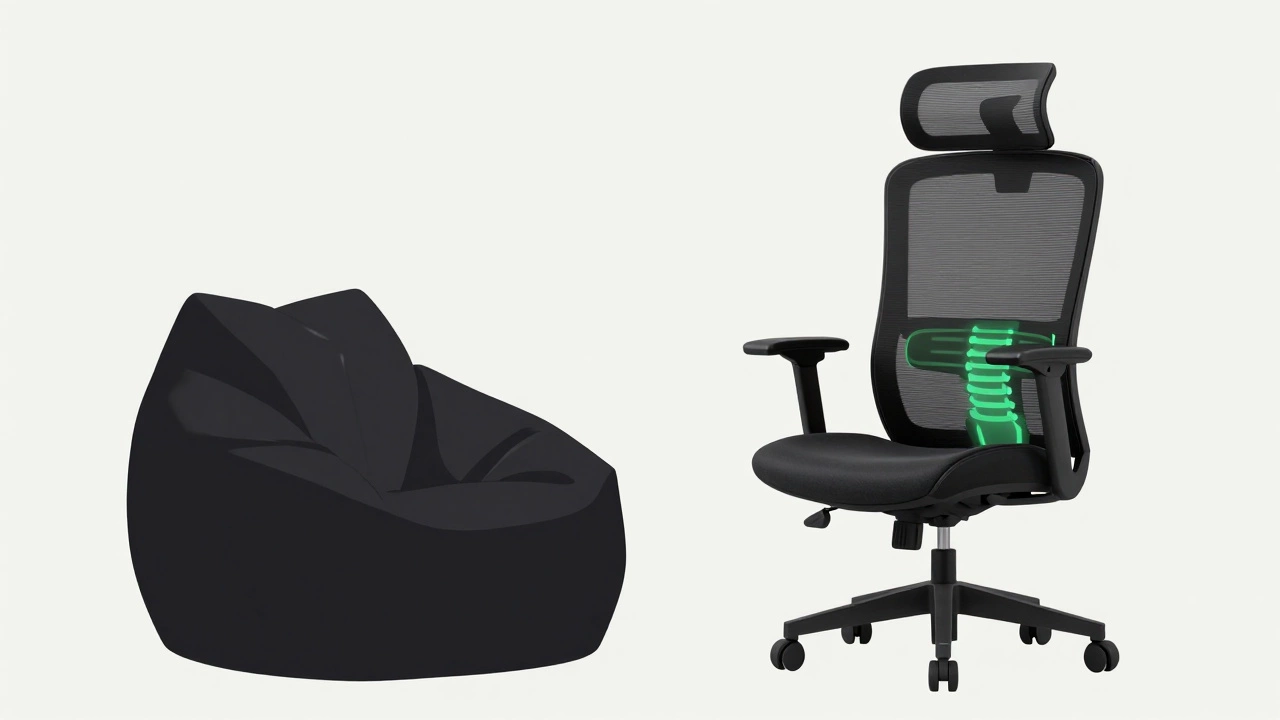
Key Features of a Posture-Friendly Chair
So, what should you look for instead? The goal is to find a chair that supports your body’s natural curves. Here are the non-negotiable features:
- Adjustable Lumbar Support: This is the most critical feature. The support should be positioned at the belt line, filling the gap between your lower back and the chair. It should be adjustable in height and depth to fit your specific spine curvature.
- Seat Depth Adjustment: You need enough space between the edge of the seat and the back of your knees (about two fingers’ width) to prevent pressure on the popliteal area. If the seat is too deep, it cuts off circulation. Too shallow, and it doesn’t support your thighs.
- Armrest Adjustability: Armrests should allow your elbows to rest at a 90-degree angle, keeping your shoulders relaxed. Fixed armrests often force your shoulders to hike up, leading to neck tension.
- Synchronous Tilt Mechanism: A good chair allows the backrest and seat to tilt together, maintaining the correct angle between your torso and thighs. This encourages dynamic sitting, where you move slightly without losing support.
- Breathable Material: Mesh backs are excellent for airflow, preventing heat buildup that can distract you and cause you to shift uncomfortably.
How to Test a Chair Before Buying
Don’t just buy based on reviews. Visit a store and test the chair yourself. Sit in it for at least ten minutes. Check the following:
- Are your feet flat on the floor?
- Is there a small gap between your lower back and the chair that gets filled by the lumbar support?
- Can you easily reach your keyboard without straining your shoulders?
- Does the chair wobble or feel unstable?
- Do you feel pressure on the front of your thighs?
If the answer to any of these is negative, keep looking. Your back is worth the extra effort.
Frequently Asked Questions
Are mesh chairs better for posture than padded chairs?
Mesh chairs are often preferred for their breathability and flexibility. The mesh material can conform to your back shape while providing consistent support, unlike foam which can flatten over time. However, quality varies greatly. A cheap mesh chair may sag and offer little support, while a high-quality padded chair with dense foam can be excellent. Look for adjustable lumbar support regardless of the material.
Can I fix my posture if I’ve been sitting on bad chairs for years?
Yes, but it takes time and consistency. Switching to an ergonomic chair is the first step. You should also incorporate stretching and strengthening exercises for your core and back muscles. Physical therapy can help identify specific muscle imbalances caused by years of poor sitting habits. Be patient; your body needs time to readjust to a neutral spine position.
Is an expensive ergonomic chair worth the investment?
If you sit for more than four hours a day, yes. Consider the cost of potential medical bills for back pain, chiropractor visits, and lost productivity due to discomfort. A high-quality ergonomic chair can last 10-15 years. Dividing the cost over that period makes it a very reasonable daily expense for your health.
What is the ideal sitting posture?
The ideal posture involves feet flat on the floor, knees at hip level or slightly lower, hips pushed back into the chair, and a neutral spine with ears aligned over shoulders. Your screen should be at eye level so you aren't looking down. Remember, "the best posture is your next posture," meaning you should shift positions regularly to avoid static strain.
Do standing desks eliminate the need for a good chair?
No. Even with a standing desk, most people alternate between sitting and standing throughout the day. When you do sit, you still need proper support. Furthermore, anti-fatigue mats for standing desks are important, but they don't replace the need for ergonomic seating during rest periods. A balanced approach uses both tools effectively.