TV Mount Safety & Compatibility Checker
Enter your TV's specifications below to calculate the minimum weight rating needed for your mount and verify common VESA patterns.
Enter your TV details to get safety recommendations.
-- lbs
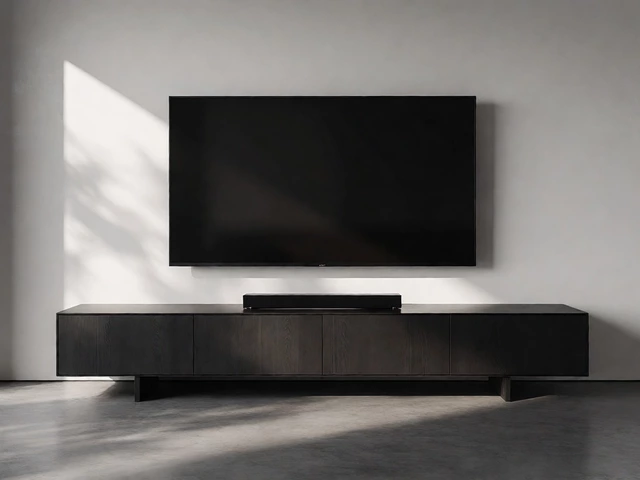
You just bought a sleek new OLED, but your living room layout makes a traditional TV stand feel like a bulky relic. Maybe you have a fireplace in the center of the wall, or perhaps you’re trying to maximize floor space in a tiny apartment. The good news? You don’t need a cabinet underneath your screen. In fact, ditching the stand is often the smarter move for safety and aesthetics. But how do you actually keep that heavy rectangle from crashing to the floor?
Supporting a television without a base comes down to three main strategies: anchoring it to the wall, suspending it from the ceiling, or resting it on a specialized surface. Each method has its own set of rules regarding weight limits, stud placement, and viewing angles. Let’s break down exactly how to pull this off without damaging your drywall or your peace of mind.
Key Takeaways
- Wall mounting is the most common alternative; always attach mounts to wooden studs, never just drywall.
- Ceiling mounts are ideal for rooms with fireplaces or limited wall space but require careful height calculation.
- Floating shelves offer a hybrid solution, providing a stable platform without the bulk of a full console.
- VESA standards determine compatibility between your TV’s back panel holes and the mounting bracket.
- Weight capacity is critical; ensure your chosen support system exceeds your TV’s weight by at least 20%.
The Gold Standard: Wall Mounting Basics
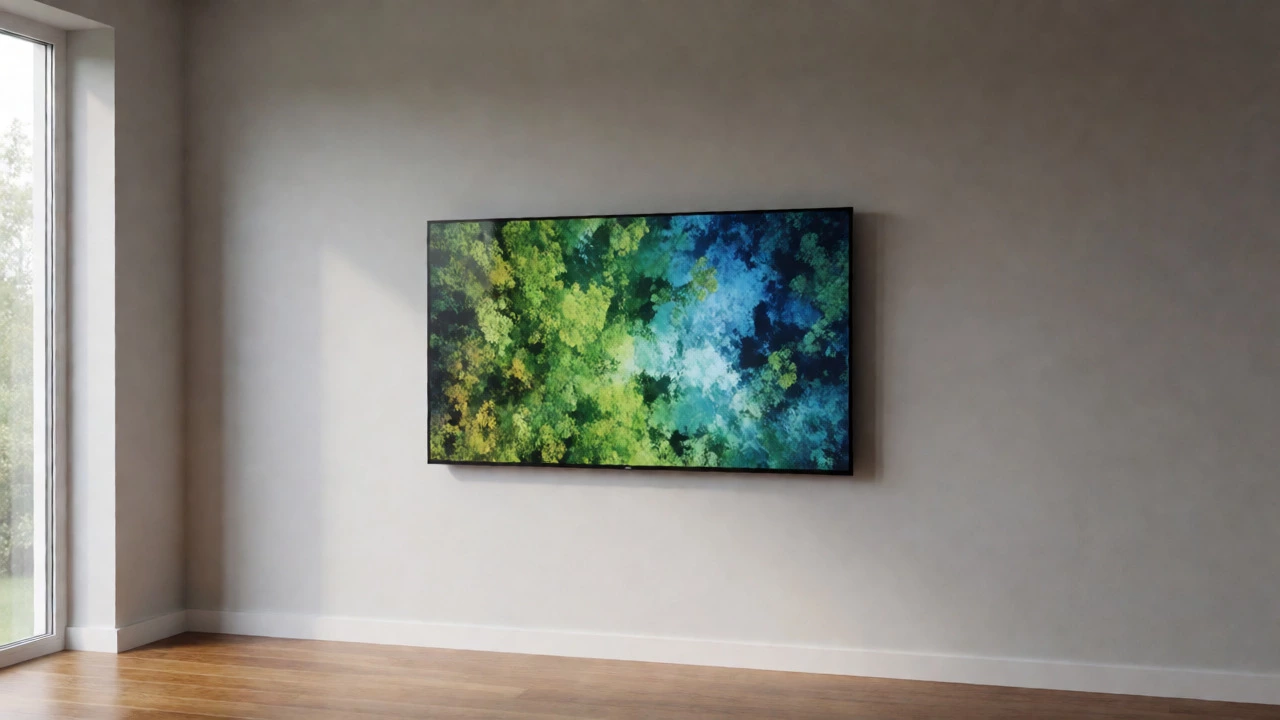
If you want your TV to look like part of the architecture, a wall mount is your best bet. Unlike a stand, which sits on the floor, a wall mount distributes the weight directly into the structural framing of your house. This isn’t just about looks; it’s about stability. A properly installed mount eliminates the risk of a toddler pulling the TV over onto themselves.
Before you buy a bracket, check the back of your TV. You’ll see four threaded holes arranged in a square or rectangle. This pattern follows the VESA standard. Common sizes include 200x200mm for smaller screens and 400x400mm or 600x400mm for larger 55-inch-plus models. If your TV doesn’t have these holes (rare for modern sets), you might need an adapter kit, but most manufacturers adhere to this specification.
Here is the golden rule of wall mounting: Never trust drywall alone. Drywall anchors can hold light pictures, but they will rip out under the torque of a 60-inch TV. You must find the wooden studs behind the wall. Use a stud finder to locate them. Most residential walls have studs spaced 16 inches apart on center. If your desired location falls between studs, you’ll need to install a horizontal backing board (like a plywood strip) across two or more studs before attaching the mount. This spreads the load and prevents sagging.
Ceiling Mounts: Solving Awkward Room Layouts
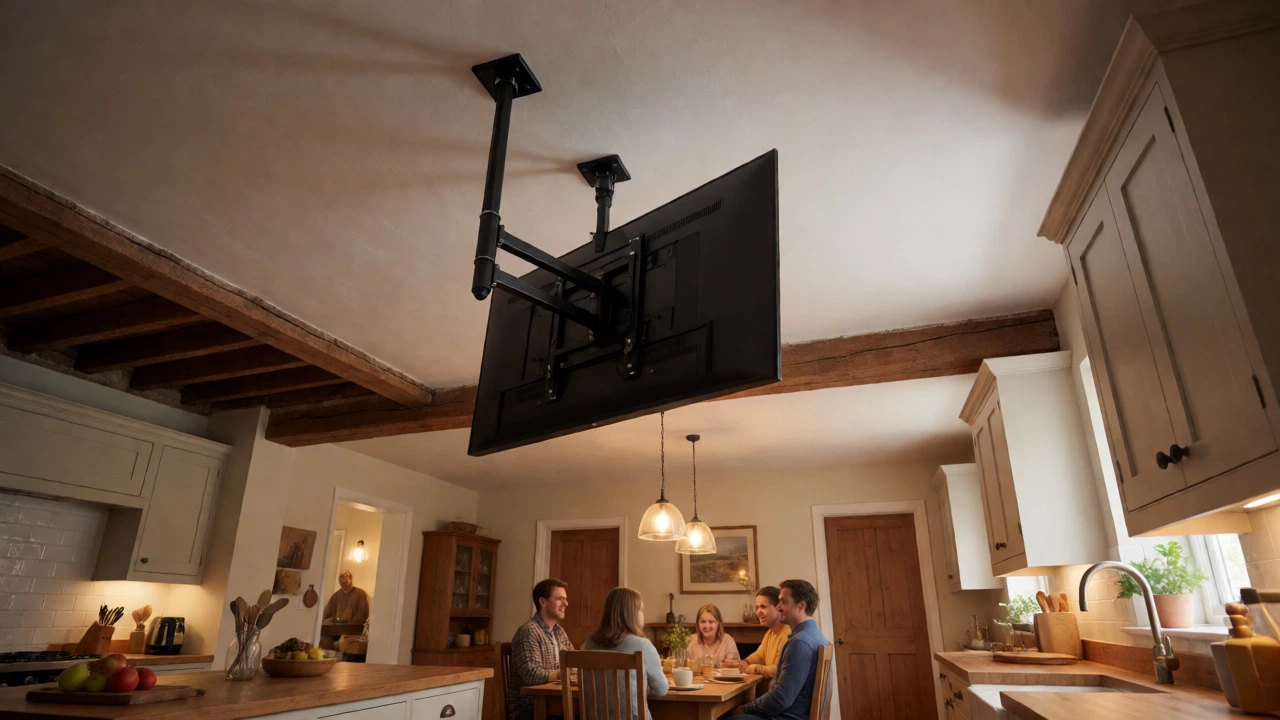
Sometimes, the wall just won’t work. Maybe you have a massive stone fireplace that protrudes too far, or perhaps you want to watch TV from the kitchen island while cooking. This is where ceiling mounts shine. They suspend the TV from above, freeing up all wall real estate.
Ceiling mounts are trickier than wall mounts because gravity works against you differently. When you tilt a TV on a wall, the leverage pulls down on the bottom bolts. With a ceiling mount, the entire weight hangs vertically. You absolutely must anchor into a joist-the thick wooden beams that support your ceiling. If you miss the joist and hit only plasterboard, the whole assembly could crash down. Joists are typically spaced 16 or 24 inches apart. Running a wire or using a strong magnet can help locate them if you don’t have blueprints.
Height is another major factor. If you mount the TV too high, you’ll end up with "neck strain" after ten minutes of watching *Stranger Things*. The center of the screen should be at eye level when you’re seated. For most people sitting on a standard sofa, that means the bottom of the TV should be roughly 42 to 48 inches off the floor. Measure this carefully before drilling. Once those holes are in the ceiling, they aren’t going anywhere.
Floating Shelves: The Hybrid Compromise
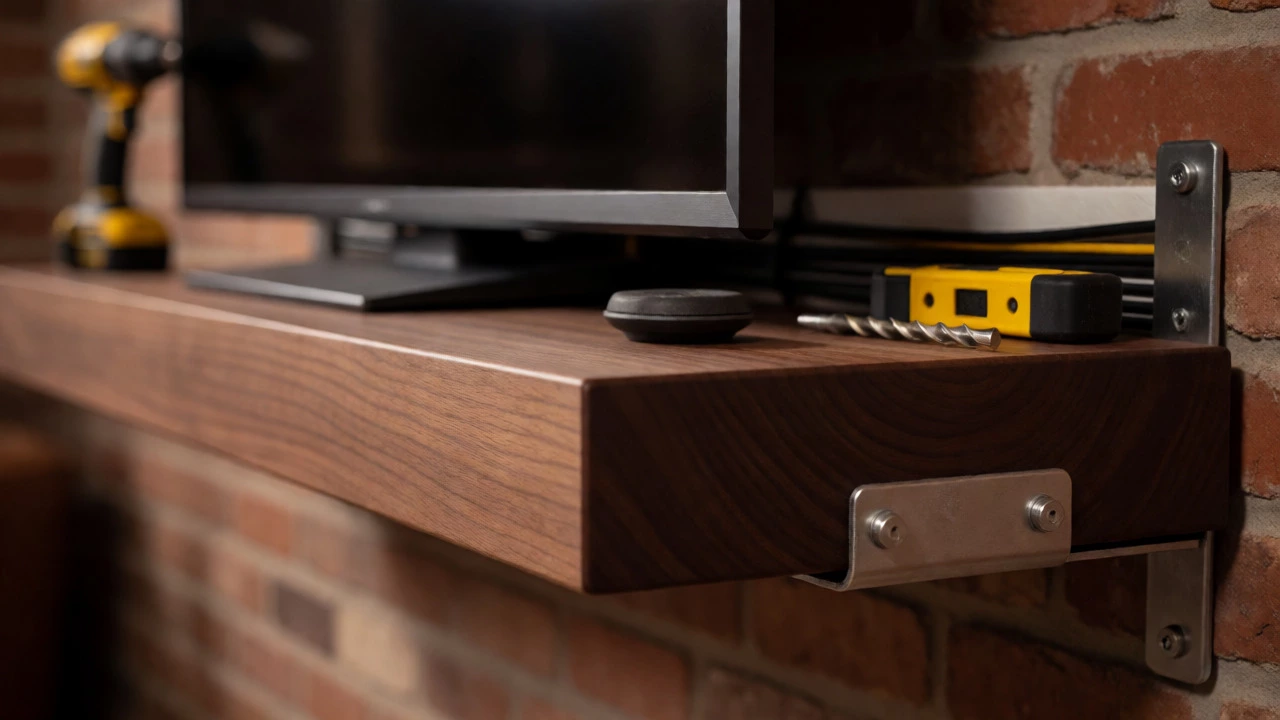
Not everyone wants to drill holes into their walls, and not everyone wants to hang a TV from the ceiling. Enter the floating shelf. This approach gives you the clean lines of a wall-mounted setup but provides a physical surface for the TV to rest on. It’s less permanent than a bolted mount and easier to install for renters or DIY beginners.
To make this work, you need a heavy-duty shelf bracket system rated for the combined weight of the shelf and the TV. Standard decorative shelves often fail here because they rely on small plastic anchors. Look for brackets that attach to studs. The shelf itself needs to be deep enough-usually at least 10 to 12 inches-to accommodate the TV’s base or a low-profile stand. Many modern TVs come with small, flat feet that fit perfectly on narrow shelves.
This method also solves cable management issues. Since the TV sits on a shelf, you can hide power strips and streaming boxes behind the shelf lip or run cables through a channel cut into the wall below. It’s a forgiving option that still looks expensive.
Choosing the Right Mount Type
Once you’ve decided on wall vs. ceiling, you need to pick the mechanism. There are three main types, each serving a different lifestyle.
| Mount Type | Best For | Installation Difficulty | Viewing Flexibility |
|---|---|---|---|
| Fixed (Low Profile) | Minimalist setups, thin spaces | Easy | None (Static) |
| Tilt Mount | High placements (above fireplaces) | Moderate | Vertical Angle Adjustment |
| Full Motion (Articulating) | Corners, multiple seating areas | Harder | Pull-out, Swivel, Tilt |
A fixed mount pushes the TV flush against the wall. It’s the cheapest and easiest to install, but if you mount it too high, you’re stuck looking up forever. A tilt mount allows you to angle the screen downward. This is essential if you’re placing the TV above a fireplace, where the heat and height force a compromise. Finally, a full-motion arm lets you pull the TV away from the wall and swivel it left or right. These arms are heavier and require robust stud anchoring because they create significant leverage when extended.
Critical Safety Checks Before You Drill
Nothing ruins a movie night faster than realizing your mount is slipping. Before you commit to any hardware, verify these specs:
- Weight Rating: Check your TV’s manual for its exact weight. Then, look at the mount’s maximum weight rating. Always choose a mount rated for at least 20% more than your TV weighs. If your TV is 40 lbs, get a 50 lb mount. This buffer accounts for dynamic forces when you adjust the angle.
- VESA Compatibility: Ensure the bracket fits the hole pattern on your TV. Also, check the screw length. Using screws that are too long can crack the internal components of the TV; too short, and they won’t hold.
- Stud Depth: Older homes sometimes have shallow studs or metal framing. If you have metal studs, you need specific toggle bolts designed for metal, as wood screws will just spin.
- Cable Access: Plan where your HDMI and power cords go. If you’re mounting flush, you might struggle to plug things in later. Consider buying a slim HDMI extender or an angled plug adapter to save space.
Common Pitfalls to Avoid
I’ve seen plenty of DIY disasters in Mississauga basements. Here are the mistakes that pop up most often:
Ignoring Heat Dissipation: TVs generate heat, especially OLEDs. If you shove a large TV into a tight niche or against a wall with poor airflow, it can overheat. Leave at least 2-3 inches of clearance around the vents if possible.
Underestimating Cable Weight: That bundle of coaxial, HDMI, and power cords adds up. If you’re using a lightweight floating shelf, the drag from hanging cables can tip it forward. Secure cables to the wall separately so they don’t pull on the TV ports.
Forgetting the Remote Sensor: Some universal remotes use IR signals that need a direct line of sight. If you mount the TV inside a cabinet or behind glass, test the remote before sealing everything up. RF-based remotes (like some newer Bluetooth models) don’t have this issue.
Final Thoughts on Execution
Supporting a TV without a stand is entirely achievable with the right tools and a bit of patience. Whether you choose the sleek invisibility of a wall mount, the spatial freedom of a ceiling rig, or the practical simplicity of a floating shelf, the key is respecting the physics of weight and leverage. Don’t rush the measuring phase. Double-check your stud locations. Verify your VESA pattern. Do it once, do it right, and enjoy the extra floor space you just reclaimed.
Can I mount a TV on drywall without studs?
Generally, no. While heavy-duty toggle bolts exist, they are risky for large TVs due to shear force. For screens over 40 inches, always anchor into wooden studs or masonry. If you cannot find studs, installing a horizontal plywood backing board across multiple studs is the safest alternative.
What is the VESA size of my TV?
The VESA size is the distance in millimeters between the mounting holes on the back of your TV. You can measure this yourself (width x height) or check your owner’s manual. Common sizes range from 75x75mm for small monitors to 800x400mm for very large commercial displays.
Is it safe to mount a TV above a fireplace?
It is safe if done correctly, but not ideal for viewing comfort or electronics longevity. Heat rises and can damage internal components. Use a tilt mount to angle the screen down toward viewers, and ensure there is adequate ventilation. Modern LED/OLED TVs are more heat-resistant than older plasma sets, but caution is still advised.
How high should I mount my TV?
The center of the TV screen should be at eye level when you are seated in your primary viewing position. For most sofas, this places the bottom of the TV approximately 42 to 48 inches from the floor. Adjust higher only if you plan to use a tilt mount.
Do I need professional help to install a ceiling mount?
If you are comfortable working overhead and locating joists, you can do it yourself. However, ceiling mounts involve complex geometry and significant weight suspension. If you have vaulted ceilings, difficult access, or lack confidence in drilling into structural beams, hiring a professional installer is worth the cost to prevent catastrophic failure.