📺 TV Placement & Ergonomics Checker
Calculating...
Adjusting sliders to see results.
Optimal Recommendations
You spent good money on that new television. It’s crisp, bright, and exactly the size you wanted. But when you finally sit down to watch your favorite show, something feels off. Maybe the screen is too close, or the angle forces your neck into an uncomfortable twist. Or perhaps the afternoon sun turns your screen into a white void of uselessness.
Placing a TV is not just about finding a wall with power outlets. It’s about balancing ergonomics, light control, and room flow. Get it wrong, and you’ll either avoid watching it or develop chronic neck pain. Here is where you should definitely not put your TV in the living room, and why those spots are traps for your comfort and wallet.
The Direct Sunlight Trap
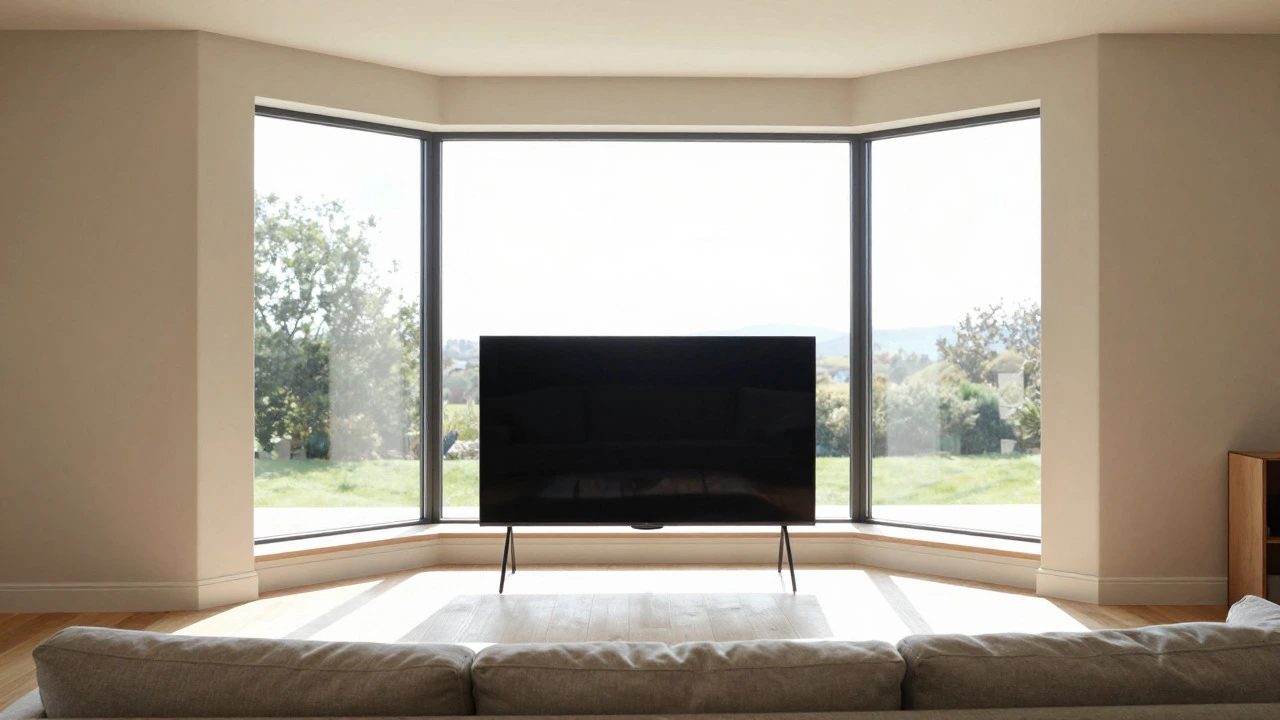
This is the most common mistake I see in homes across Mississauga and beyond. You place the TV on the east or west-facing wall because it looks open and airy. Then, at 3 PM in summer, the sun hits the screen directly. Suddenly, your high-end OLED panel looks like a piece of glass. You can’t see anything. You close the blinds, ruining the natural light you loved, or you give up on daytime viewing entirely.
Avoid placing your TV directly opposite large windows or on walls that receive direct sunlight for more than two hours a day. If you have no choice but to use that wall, consider motorized shades or anti-glare screen protectors, but know that they rarely match the clarity of a properly shaded spot. The best practice? Place the TV on a north-facing wall if possible, as these typically receive indirect light throughout the day without harsh reflections.
Too Close: The Immersive Illusion
We all want that cinema experience. We think sitting closer means better immersion. But physics disagrees. If you sit too close, individual pixels become visible, colors look oversaturated, and your eyes strain to focus on the entire frame rather than relaxing into the image. For a standard 1080p TV, sitting within one to 1.5 times the screen height causes visual fatigue. For 4K screens, you can get closer, but there is still a limit.
Do not place your TV stand so close that you are less than 6 feet away from a 55-inch screen. A simple rule of thumb: measure the distance from your primary seating area to the wall. If it’s under 8 feet for a large TV, you’re likely too close. This proximity also makes it hard to hear dialogue clearly because the speakers (often built into the TV) are right next to your ears, creating a "proximity effect" that boosts bass and mids while thinning out highs.
Off-Center Seating: The Neck Kink Zone
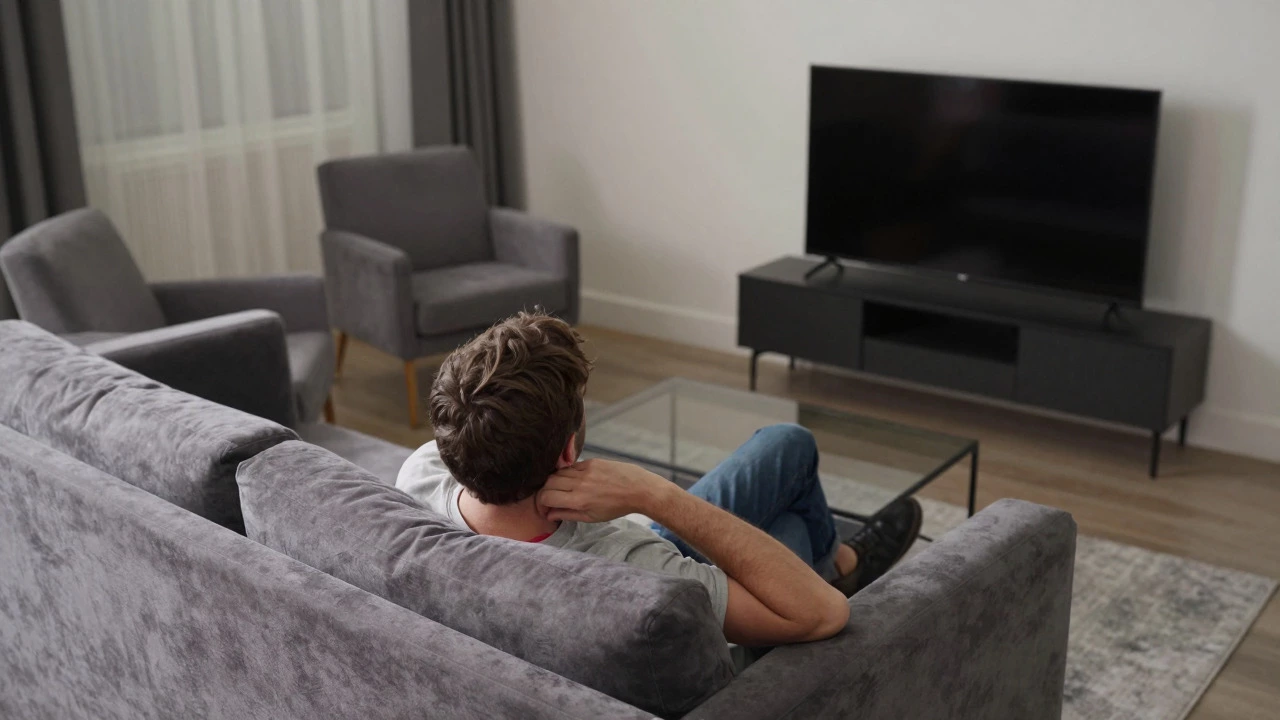
Imagine your main sofa is centered in the room, but the TV is tucked into a corner or pushed far to one side to make space for a bookshelf. Now, every time you watch TV, you have to turn your head 30 to 45 degrees to the left or right. Do this for an hour, and your cervical spine will thank you for the workout-unfortunately, in a bad way.
Your TV should be roughly aligned with the center of your primary seating group. If you have two sofas facing each other, aim for the midpoint between them. If you must offset the TV, keep the angle under 30 degrees. Beyond that, you’re fighting your own anatomy. Check your sightline before buying a TV stand. Stand in the middle of your couch, look straight ahead, and see where your eyes land. That’s where the center of your screen should be.
In the Path of Traffic Flow
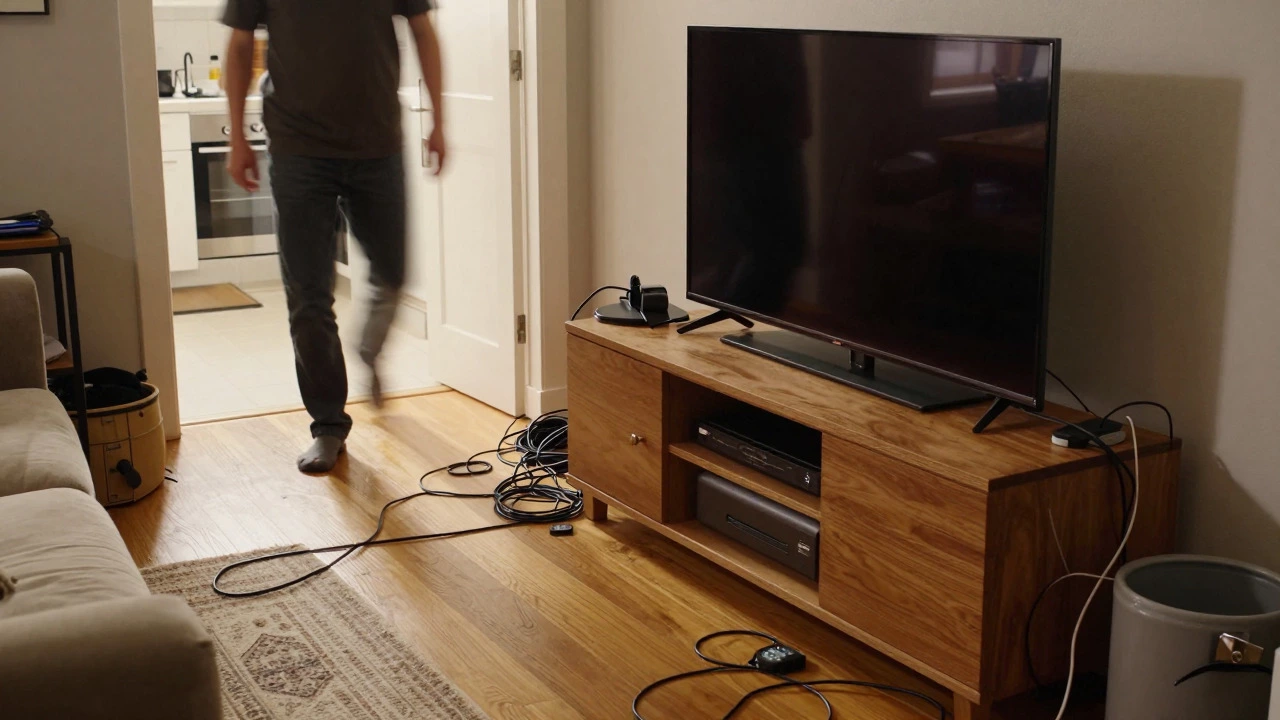
Living rooms are social hubs. People walk through them to get to the kitchen, the hallway, or the front door. Placing a bulky TV console or media unit directly in this path creates a hazard. You trip over cables, bump into corners, or feel cramped navigating around the furniture. Worse, if someone walks behind you while you’re watching, their movement blocks part of the screen or casts a shadow, breaking your immersion.
Map out your room’s traffic patterns. Walk through the space naturally, pretending you’re going to the fridge or heading to the bedroom. Mark the paths with masking tape on the floor. If your intended TV location sits squarely in the middle of a tape line, move it. Keep at least 36 inches of clear walking space around any furniture piece. This ensures the room feels spacious and safe, not like an obstacle course.
Below Eye Level: The Chin-Up Challenge
Many people mount their TVs low on the wall or buy short TV stands because they think it looks sleek. But if the bottom of the screen is below your seated eye level, you’re constantly tilting your chin up. This posture compresses the vertebrae in your neck and strains the muscles in your upper back. Over time, this leads to tension headaches and poor posture habits that carry over into other activities.
The ideal setup has the center of your TV screen at or slightly below your seated eye level. Sit in your chair or on your sofa, and mark the wall at eye level. That’s where the horizontal center of your TV should be. If you’re using a TV stand, ensure the top of the stand doesn’t push the screen too high, but more importantly, ensure the stand isn’t so low that the screen dips below your gaze. Adjustable mounts help here, allowing you to fine-tune the height after you’ve settled into your routine.
Comparison: Good vs. Bad Placement Zones
| Location Type | Primary Issue | Impact on Viewing | Recommended Action |
|---|---|---|---|
| Direct Sunlight Wall | Glare and heat | Washed-out images, reduced contrast | Move to north wall or install blackout shades |
| Too Close (<6ft) | Pixelation, eye strain | Visual fatigue, distorted sound | Push seating back or choose smaller screen |
| Off-Center Corner | Neck rotation | Cervical strain, awkward posture | Center TV relative to main seating |
| Traffic Path | Obstruction, safety | Interruptions, tripping hazards | Keep 36-inch clearance, reroute traffic |
| Below Eye Level | Chin-up posture | Back/neck pain, compressed spine | Mount higher or use taller stand |
How to Fix Poor Placement Without Renovating
Already moved in and stuck with a bad spot? You don’t need to knock down walls. Start by rearranging your furniture. Sometimes, simply rotating your sofa 90 degrees changes the entire dynamic. If the TV is in a corner, try a swivel mount that allows you to pivot the screen toward the center of the room. For glare issues, sheer curtains can diffuse light without blocking it completely. And if the TV is too low, a tall media console or a riser platform can lift the screen to a healthier height. Measure twice, move once, and test your position for a full episode before declaring victory.
Frequently Asked Questions
What is the ideal distance to sit from a 55-inch TV?
For a 55-inch 4K TV, the recommended viewing distance is between 6 and 10 feet. Sitting closer than 6 feet may reveal pixel structure and cause eye strain, while sitting further than 10 feet reduces the sense of immersion. Adjust based on your personal preference for detail versus field of view.
Is it bad to put a TV above a fireplace?
It depends on the height. If the TV is mounted high enough that the bottom of the screen is at or above your seated eye level, it can work. However, many fireplaces force the TV too high, causing neck strain. Additionally, heat from the fireplace can damage electronics if proper ventilation gaps aren’t maintained. Measure carefully and consider a shorter mantel or lower mount if possible.
How do I reduce glare on my TV screen?
The most effective solution is repositioning the TV away from direct light sources. If relocation isn’t an option, use blackout curtains during peak sun hours. Anti-glare screen filters can help but often reduce brightness and color accuracy. Ensure your room lighting is balanced so the screen isn’t competing with bright overhead lights.
Should the TV be centered on the wall or the sofa?
Center the TV relative to your primary seating area, not necessarily the physical center of the wall. If your sofa is off-center due to architectural features like windows or doors, align the TV with the middle of the sofa to minimize neck rotation. Use a plumb line from the center of your seat to check alignment.
What height should a TV stand be?
A TV stand should be tall enough that the center of the screen aligns with your seated eye level. For most adults, this means the stand height plus the TV’s vertical center should be around 42 to 48 inches from the floor. If the stand is too short, the TV will be too low; if too tall, it may require leaning back excessively.