TV Placement Risk Checker
Evaluate Your Setup
Picture this: You’ve just bought a stunning 65-inch OLED television. The colors are vibrant, the blacks are deep, and your friends are jealous. But then you turn it on in the living room, and all you see is a bright white reflection of your window. Or maybe you’re sitting on your sofa, but your neck hurts after ten minutes because the screen is too high. It’s frustrating, isn’t it? Most people focus entirely on where to put their TV, obsessing over wall mounts and entertainment centers. They rarely stop to think about where they should definitely not put it.
Placing a television incorrectly doesn't just look bad; it ruins the viewing experience, damages the hardware, and can even create safety hazards. Whether you are setting up a new home theater or rearranging an existing space, avoiding these common pitfalls is just as important as finding the perfect spot. Let’s walk through the seven worst places to position your screen so you can enjoy your content without the headaches.
1. Directly Opposite a Window or Bright Light Source
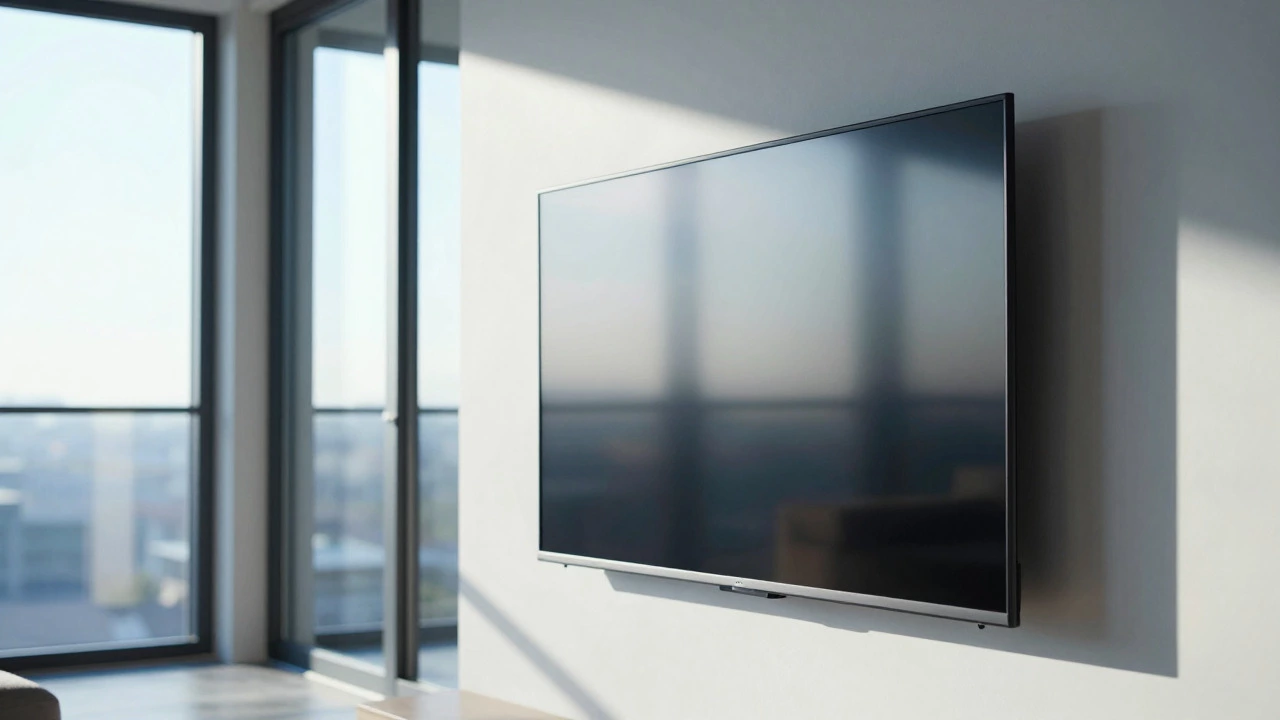
This is the number one mistake I see in almost every living room design. If you place your TV directly across from a large window, you are fighting a losing battle against physics. Sunlight reflects off the glossy surface of modern screens, creating glare that washes out the image. Even with anti-glare coatings, direct sunlight will reduce contrast and make details invisible.
But it’s not just about the sun. Indoor lighting matters too. If you have recessed ceiling lights or floor lamps positioned behind your seating area, those lights will reflect off the screen like spotlights. This causes eye strain as your pupils constantly adjust between the bright reflections and the darker parts of the movie. To fix this, angle your TV slightly away from windows or use blackout curtains. Better yet, position the TV on a wall perpendicular to the main light sources rather than opposite them.
2. Too High on the Wall (The "Gallery" Error)
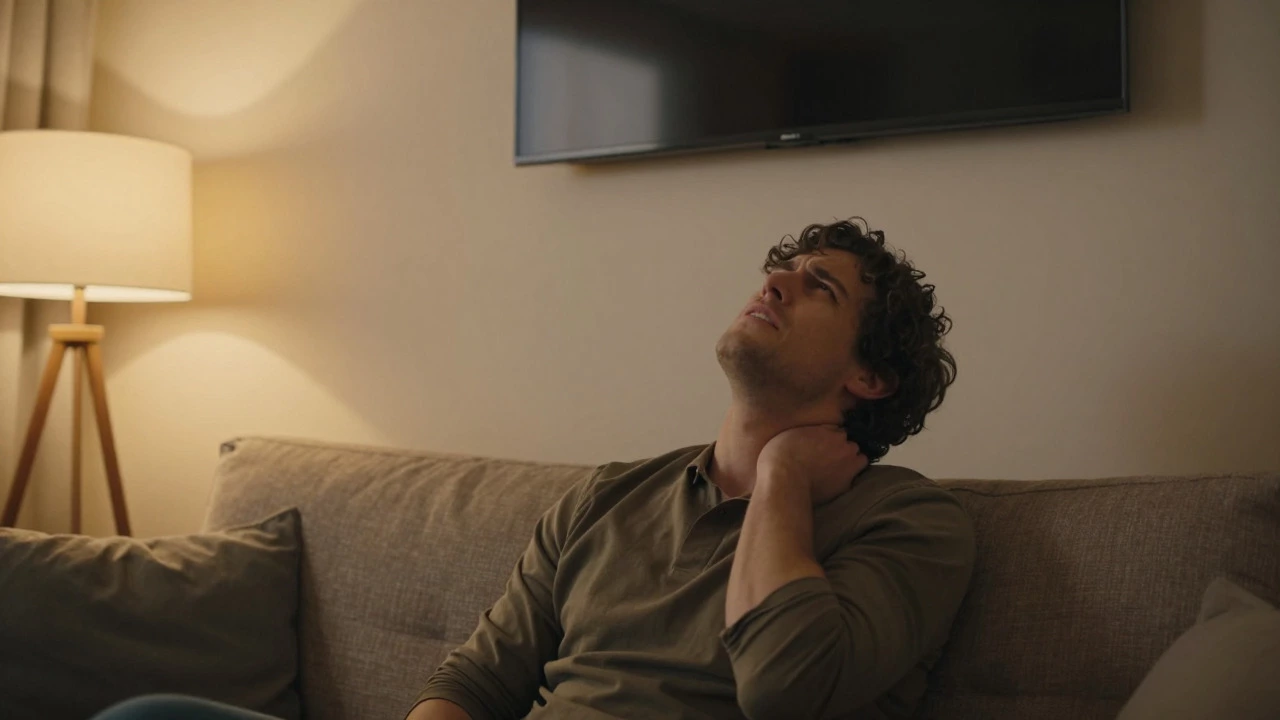
There is a persistent myth that TVs should be mounted at eye level when standing. This leads many homeowners to hang their screens at chest height or higher, treating them like artwork in a museum. Here’s the reality check: You watch TV while sitting down, not standing up. When you mount a TV too high, you end up craning your neck upward for hours. This leads to what chiropractors call "tech neck," causing tension headaches and shoulder pain.
The ideal center point of your screen should align with your eyes when you are seated comfortably on your sofa. For most standard couches, this means the center of the TV should be approximately 42 inches from the floor. If you already have a TV mounted too high, consider using a tilting wall mount. This allows you to angle the screen downward toward your seating area, reducing the strain on your neck. However, lowering the physical position of the TV is always the superior solution if possible.
3. In a Corner Without Proper Angling
Corners seem like convenient spots to tuck away a TV, especially in smaller apartments. However, placing a flat-screen TV flush into a corner creates two major problems. First, it forces viewers sitting elsewhere in the room to view the screen from an extreme angle. Modern LCD and LED panels suffer from color shifting and brightness loss when viewed from the side. Unless you have a premium IPS panel or OLED technology, the picture quality degrades significantly for anyone not sitting dead-center.
Second, corners often lack proper ventilation. TVs generate heat, especially during long gaming sessions or 4K streaming. A tight corner restricts airflow around the back and sides of the unit, potentially shortening the lifespan of internal components. If you must use a corner, invest in a swivel mount that allows you to rotate the TV toward the primary seating area. This ensures everyone gets a clear view and keeps the air circulating properly around the device.
4. Above a Fireplace (Unless You Have a Mantel Mount)
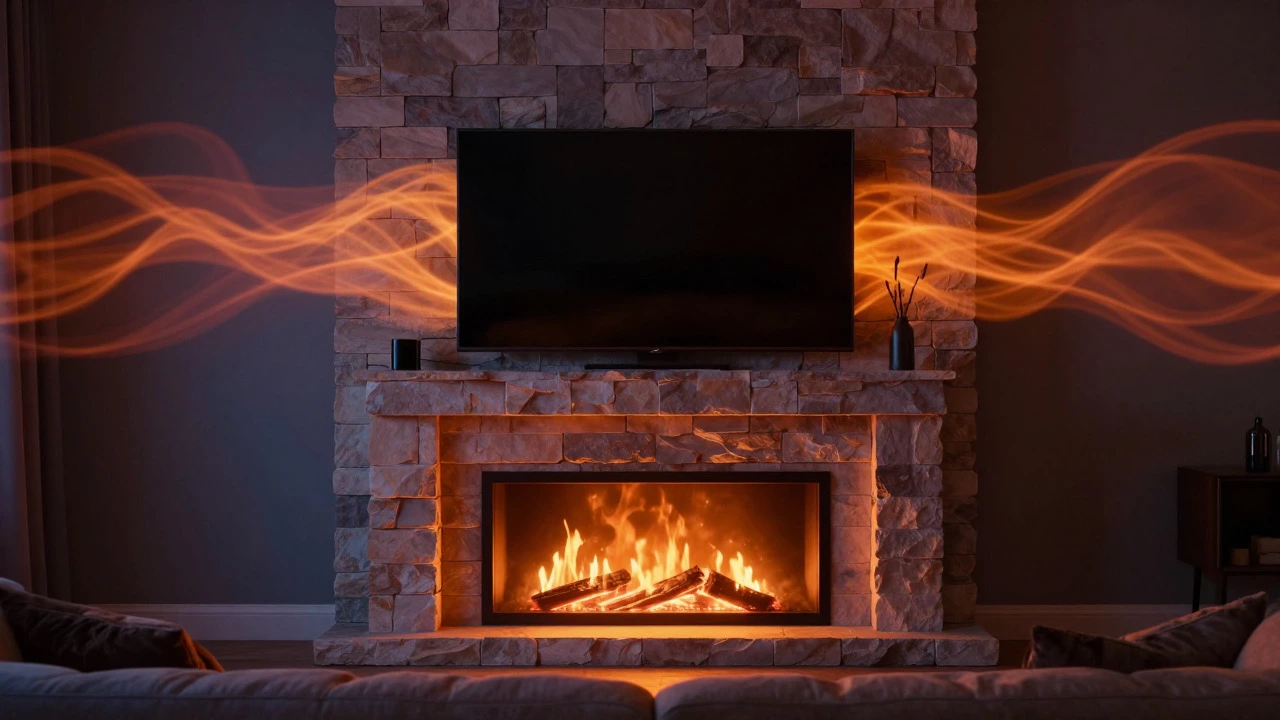
Let’s address the elephant in the room: mounting a TV above a fireplace looks sleek in magazine photos, but it is functionally terrible for daily use. Fireplaces are usually located on walls that become focal points, but they are rarely at the right height. As mentioned earlier, this forces you to look up. More importantly, fireplaces generate significant heat. Even gas fireplaces produce warm air that rises directly into the TV’s chassis.
Prolonged exposure to heat can damage the backlight of an LCD screen or degrade the organic pixels in an OLED panel over time. Additionally, the soot and dust particles from wood-burning fires can settle inside the TV’s vents, clogging filters and causing overheating. If you absolutely love the aesthetic of a TV above a fireplace, use a specialized mantel mount that extends the TV outward and downward toward the seating area. This brings the screen closer to eye level and moves it slightly away from the direct heat source. Still, it’s a compromise, not a perfect solution.
5. On Unstable or Overloaded Furniture
Modern televisions are surprisingly heavy. A 65-inch TV can weigh upwards of 50 pounds, and larger models exceed 80 pounds. Many people underestimate this weight and place their TV on glass-top coffee tables, narrow console tables, or cheap particleboard stands that aren’t designed for such loads. This creates a tipping hazard. One bump from a pet, a child, or even vacuuming nearby can send thousands of dollars worth of electronics crashing to the floor.
Always check the weight capacity of your TV stand. Look for sturdy materials like solid wood or metal frames with a wide base. Avoid glass shelves unless they are specifically rated for heavy electronics. Furthermore, ensure the TV’s feet fit securely within the stand’s grooves. Some stands require adapter plates to prevent the TV from sliding forward. Never rely on friction alone to keep a massive screen upright. Stability is non-negotiable.
6. Near Heat Vents or Air Conditioning Units
We talked about fireplaces, but forced air systems are another silent killer of electronics. Placing a TV directly below a ceiling air vent or next to a floor-level heating register exposes it to constant temperature fluctuations. Electronics hate extremes. Hot air blowing directly onto the back of the TV can cause internal components to overwork their cooling fans, leading to noise and premature failure. Conversely, cold air from AC units can cause condensation inside the cabinet if the humidity levels shift rapidly.
Condensation is particularly dangerous. Moisture inside the TV can corrode circuit boards and cause short circuits. Keep your TV at least three feet away from any direct airflow from HVAC systems. If your living room has poor climate control, consider using a fan to circulate air gently around the room rather than directing blasts of air at your entertainment center. Consistent, moderate temperatures are best for the longevity of your display.
7. Behind Glass Doors or in Enclosed Cabinets
Some interior designers love the look of hidden TVs enclosed in cabinetry or behind glass doors. While this might declutter the visual space, it traps heat. Remember, TVs need to breathe. An enclosed cabinet acts like an oven, raising the internal temperature of the TV by several degrees. Over time, this accelerates the aging of capacitors and other sensitive parts.
If you want a clean look, opt for open shelving or cabinets with perforated backs and sides to allow passive airflow. Avoid solid wood enclosures without ventilation slots. Also, consider the convenience factor. How often do you actually close those glass doors? Probably never. So you’re paying for a feature you don’t use while risking your equipment. Open displays are safer, cooler, and easier to access for cleaning and cable management.
| Mistake | Why It’s Bad | Better Alternative |
|---|---|---|
| Opposite Windows | Glare reduces visibility and causes eye strain | Perpendicular to windows or use blackout curtains |
| Too High Up | Neck pain and "tech neck" from looking up | Center screen at seated eye level (~42 inches) |
| Above Fireplace | Heat damage and uncomfortable viewing angle | Use a tilting mantel mount or choose a different wall |
| In Corners | Poor viewing angles and restricted ventilation | Use a swivel mount to face the seating area |
| Near HVAC Vents | Overheating or condensation damage | Keep 3+ feet away from direct airflow |
Quick Checklist Before You Finalize Your Setup
Before you drill holes or lift that heavy box, run through this quick mental checklist. Did you measure the distance from your sofa to the wall? Is there enough space for cables to run neatly without kinking? Can you reach the ports easily if you need to plug in a console or USB drive? These small details make a huge difference in daily usability. Don’t let aesthetics override functionality. A beautiful setup is useless if it hurts your neck or blinds you with glare.
What is the ideal height for mounting a TV?
The center of your TV should be at eye level when you are seated. For most standard sofas, this is approximately 42 inches from the floor to the center of the screen. This minimizes neck strain and provides a comfortable viewing angle.
Can I put my TV above the fireplace?
It is generally not recommended due to heat damage and poor viewing angles. If you must, use a specialized mantel mount that tilts the TV downward and extends it away from the heat source. Ensure the fireplace is well-ventilated and not excessively hot.
How do I reduce glare on my TV screen?
Position the TV perpendicular to windows rather than opposite them. Use blackout curtains or blinds to control natural light. Adjust indoor lighting to avoid reflections from lamps or ceiling fixtures. Anti-glare screen protectors can also help, though they may slightly reduce image clarity.
Is it safe to put a TV in a corner?
It can be safe if you use a swivel mount to angle the TV toward your seating area. However, ensure there is adequate space around the TV for ventilation. Corners can trap heat, so avoid enclosing the TV tightly against walls.
Why shouldn't I put my TV near air vents?
Direct airflow from heating or cooling vents can cause overheating or condensation inside the TV. Extreme temperature changes stress electronic components and can lead to premature failure. Keep the TV at least three feet away from any HVAC outlets.