
TV VESA Pattern Calculator
Measure Your TV Mounting Holes
Enter the exact measurements between mounting holes on your TV's back panel.
Your TV stand legs suddenly disappear, and your TV wobbles dangerously. It’s a stressful situation, but you don’t need to panic. TV stand legs are the support pieces that attach to the base of your TV. They provide stability and prevent tipping. Without them, your TV can easily fall, causing damage or injury.
Temporary Fixes for Immediate Stability
When the legs are missing, your first priority is to stabilize the TV safely. Here’s how to do it with items you likely have at home:
- Stack books or magazines: Place them under the TV base. Use flat, sturdy books to create a level surface. Test by gently shaking the TV-no wobbling should occur.
- Use a sturdy box: A cardboard or plastic storage box can work. Ensure it’s cut to size and placed on a flat floor. Avoid boxes that are flimsy or uneven.
- Rubber pads or coasters: Place them under the TV’s base to prevent slipping. This works best on smooth surfaces like hardwood or tile.
Never use unstable objects like plastic cups or loose items. Always test stability before watching anything. A falling TV can damage your screen or injure someone.
Finding Replacement Legs
Temporary fixes aren’t permanent. To get your TV back to normal, replace the legs. Here’s how:
- Check the manufacturer: Visit the brand’s support page. For example, Samsung’s support site has a "Parts & Accessories" section. Search by your exact model number-like "Samsung Q80B" or "LG OLED55C1".
- Search online retailers: Amazon, eBay, or specialized sites like PartsGuy.com. Search "TV model number + replacement legs". For a 55-inch Sony XBR-65X900H, expect to pay $15-$30 for exact matches.
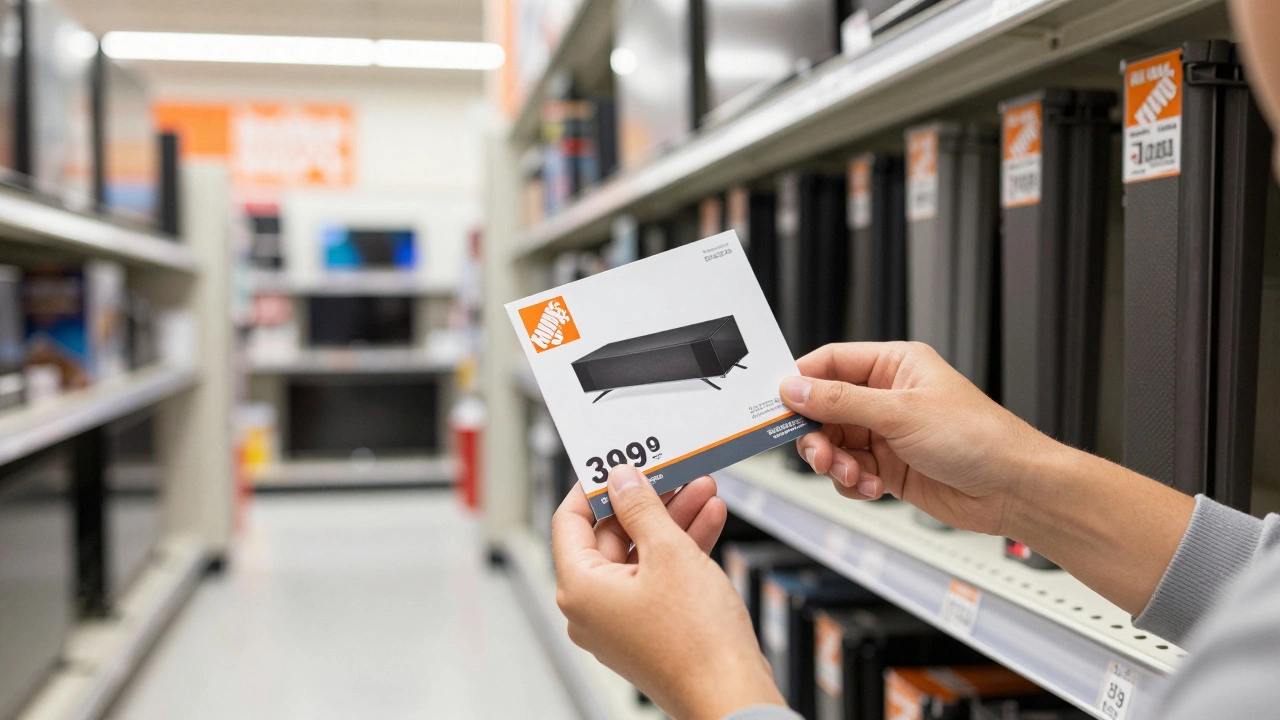
- Visit local stores: Hardware stores like Home Depot or Lowe’s often carry universal TV stand legs. Bring your TV model number and measurements to ensure compatibility.
Always verify the weight capacity and VESA pattern match your TV. A mismatched leg can cause instability or damage.
Switch to a Wall Mount
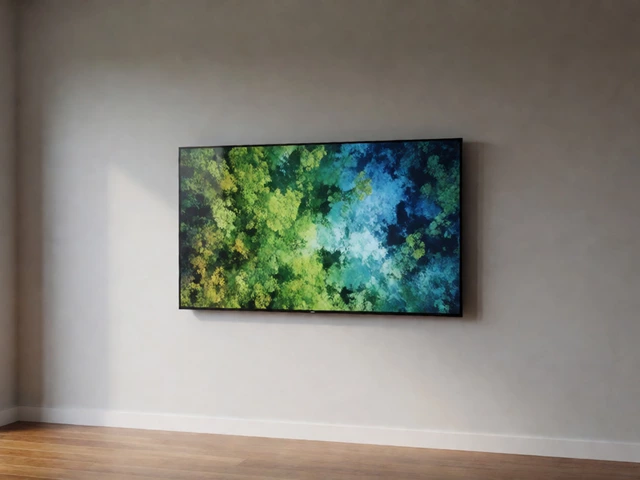
If replacement legs aren’t available, a wall mount is a secure solution. Here’s what to do:
- Check VESA compatibility: Look at the back of your TV. You’ll see a grid of four holes. Measure the distance between them horizontally and vertically (e.g., 200x200mm, 400x400mm).
- Choose the right mount: Buy a wall mount rated for your TV’s size and weight. For example, a 55-inch TV typically needs a mount supporting 50-70 lbs.
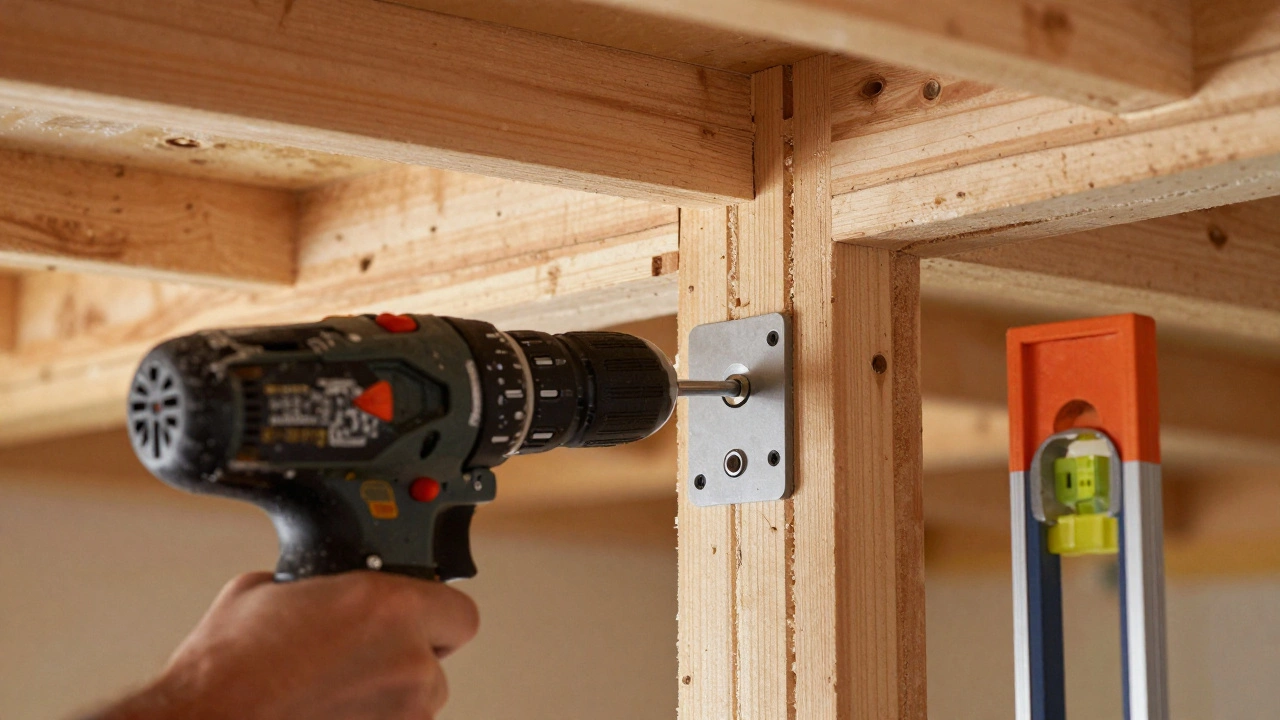
- Install securely: Attach the mount to wall studs-never drywall alone. Use a level to ensure it’s straight. Then attach the TV following the manufacturer’s instructions.
Wall mounts keep your TV stable and free up floor space. They’re ideal for homes with kids or pets where stability is critical.
Safety First: Avoiding Risks
Never ignore instability. Here’s how to stay safe:
- Never place the TV on uneven surfaces: A wobbly stand can tip over. Always use a flat, solid surface.
- Check for cracks or damage: If the TV base is cracked, don’t attempt repairs. Replace the entire stand.
- Keep children and pets away: A falling TV can cause serious injury. Secure it with straps if needed.
If you’re unsure about stability, stop using the TV until it’s fixed. Safety always comes first.
Preventing Future Problems
Once your TV is stable, take steps to avoid losing legs again:
- Tighten screws regularly: Every few months, check the leg screws. Use a screwdriver to tighten any loose ones.
- Store legs safely: When moving the TV, remove legs and pack them in a padded bag or box. Label the bag clearly.
- Use protective covers: For transport, wrap the TV in a moving blanket and secure legs inside the packaging.
These habits prevent accidental loss and keep your setup safe long-term.
Frequently Asked Questions
Can I use a different TV stand for my model?
Yes, but only if the new stand matches your TV’s VESA pattern and weight capacity. For example, a 55-inch TV with a 400x400mm VESA pattern needs a stand rated for that size. Always double-check specs before buying.
How do I know if my TV has VESA mounting holes?
Look at the back of your TV. You’ll see a grid of four holes. Measure the distance between the top-left and top-right holes for the horizontal measurement, and top-left to bottom-left for vertical. Common sizes are 100x100mm for smaller TVs or 400x400mm for larger ones.
What if the legs are broken, not lost?
Broken legs can’t be repaired safely. Order new ones from the manufacturer or a trusted third-party seller. Never attempt to glue or tape broken legs-it’s a major safety risk.
Are third-party replacement legs safe?
Yes, if they’re designed for your specific TV model. Check reviews and ensure they meet the weight and size requirements. Avoid cheap, unbranded legs that lack proper testing.
How do I safely move my TV without legs?
Lay the TV face down on a soft surface like a blanket. Remove any remaining legs carefully. Use two people to carry it-never lift by the screen. Place it in a padded box with foam for transport.