TV Stand Fit Calculator
Enter your TV specifications below to find the perfect stand dimensions for stability and eye-level viewing.
Enter your TV details to see recommended stand dimensions and a visual preview.
You just bought a shiny new 65-inch OLED. It looks incredible in the store, but now you’re staring at your empty living room corner wondering what piece of furniture will actually hold it without looking like an afterthought. Choosing a TV stand is rarely as simple as picking the one that matches your couch color. If you get the dimensions wrong, your screen will dwarf the base. If you ignore ventilation, your expensive electronics might overheat. And if you forget about cables, you’ll be tripping over wires every time you walk past.
Most people make the mistake of buying the stand first and the TV second, or vice versa, without measuring the actual space. Here’s the truth: the right stand depends entirely on three things-your TV’s size, your viewing distance, and how much clutter you need to hide. Let’s break down exactly how to navigate these choices so you don’t end up with a wobbly shelf or a giant black box dominating your room.
Measure Your Space and Your Screen
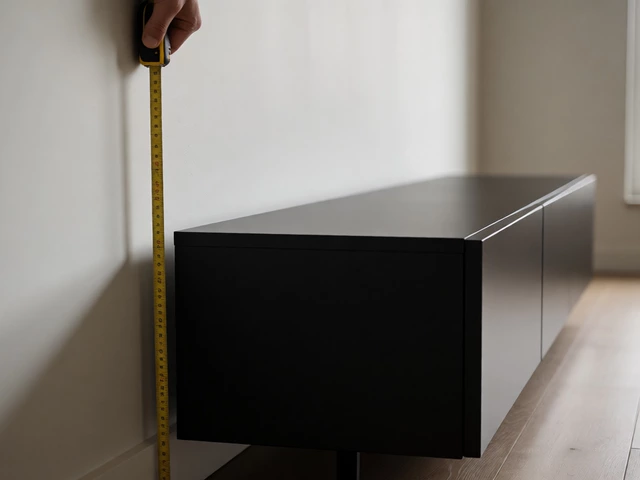
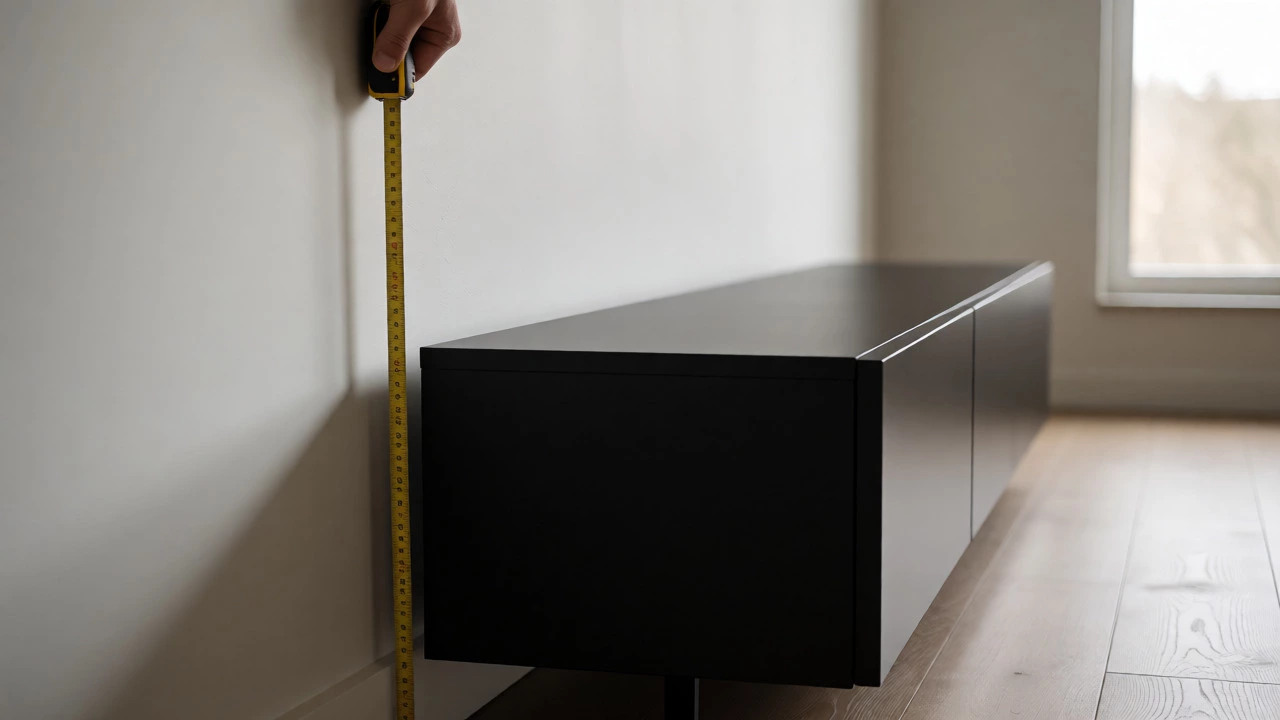
Before you even look at styles, grab a tape measure. This isn’t optional. The most common complaint I hear from friends who recently moved is that their TV stand was too small for their new TV. A general rule of thumb? The width of your TV stand should be wider than the width of your TV screen. Ideally, you want at least 4-6 inches of clearance on either side. Why? Because visually, it makes the setup look grounded. If the TV hangs over the edges, it feels precarious and unbalanced.
But width isn’t the only metric. You also need to check the depth. Modern TVs are incredibly thin, but the stands holding them aren’t always. If you have a narrow apartment wall, a deep console might stick out into your walkway. Measure the depth of your available wall space and subtract at least two inches for airflow and cable routing. Also, consider the height. Standard TV stands sit between 18 and 24 inches off the ground. This aligns the center of your screen roughly with eye level when seated. If your stand is too low, you’ll be tilting your head back. Too high, and you’ll feel like you’re watching from the nosebleed section.
Match the Style to Your Room’s Vibe
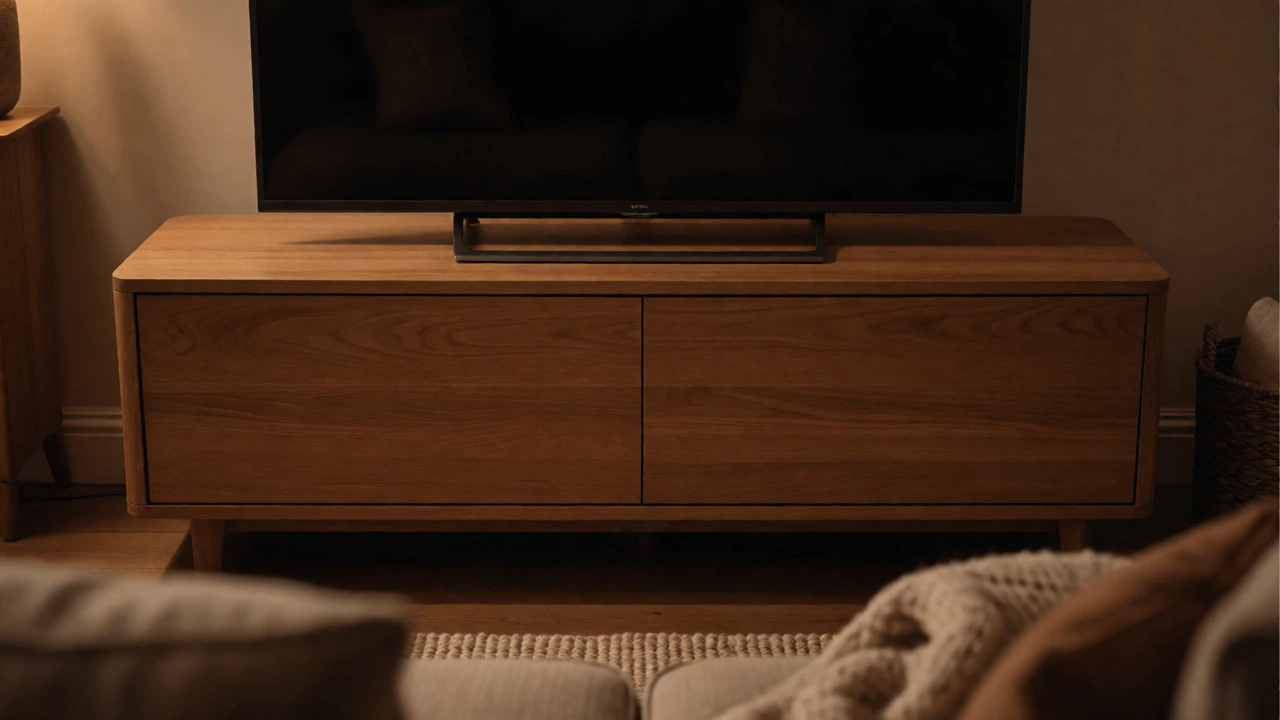
Once the numbers work, aesthetics come into play. A TV stand is a focal point, so it needs to complement your existing decor rather than fight against it. Are you going for a minimalist look? Then a sleek, low-profile media console with hidden storage is your best bet. These units often feature handle-less drawers and clean lines that disappear into the background, letting the screen take center stage.
On the other hand, if you love a rustic or traditional aesthetic, a wooden cabinet with open shelving might fit better. Just be warned: open shelves require constant tidying. If you leave game controllers, remotes, or DVDs lying around, a closed cabinet saves you the stress of perfect organization. For modern industrial spaces, metal and wood combinations offer a sturdy, edgy look that pairs well with exposed brick or concrete floors. Don’t be afraid to mix materials-a walnut top with steel legs can bridge the gap between warm and cool tones in your room.
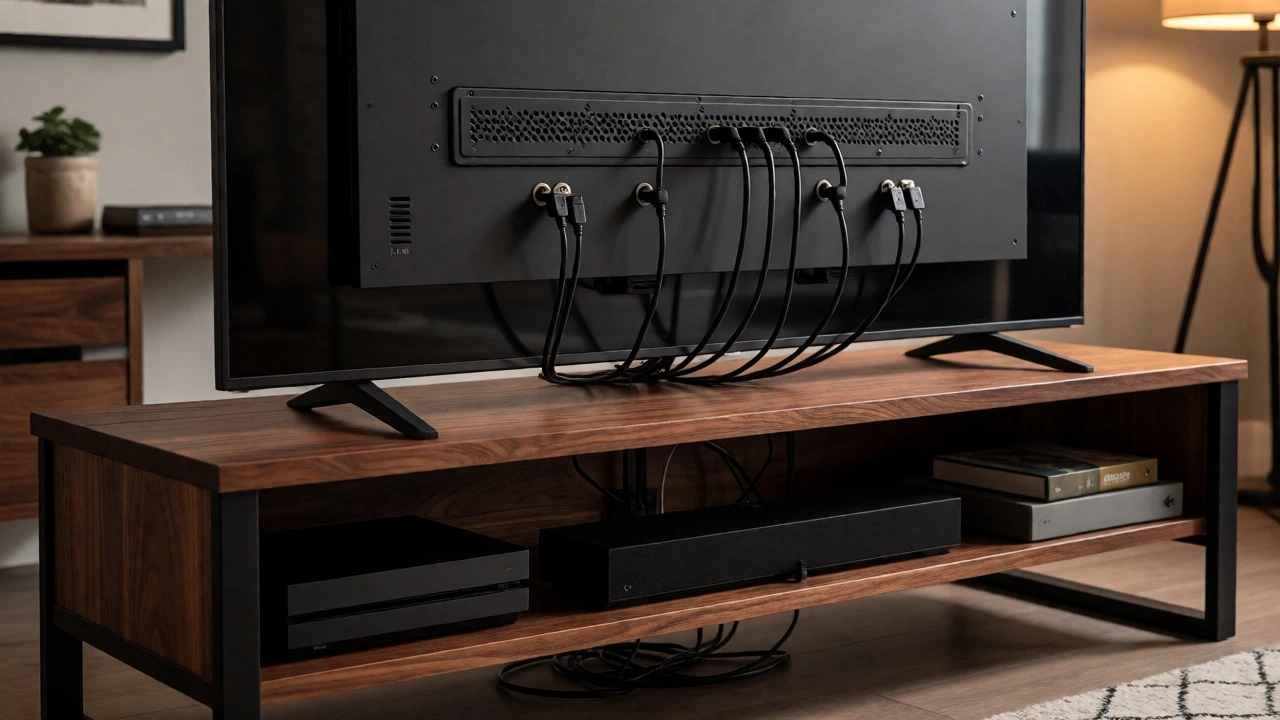
Plan for Your Electronics (and Their Cables)
Here’s where most buyers slip up. They buy a beautiful stand, then realize their soundbar doesn’t fit underneath, or their gaming consoles won’t close inside the doors. Count your devices. Do you have a PlayStation, Xbox, Apple TV, and a streaming stick? Each needs space and ventilation. Gaming consoles generate heat, so cramped cabinets can cause throttling or noise issues. Look for stands with adjustable shelves or perforated backs that allow air to circulate.
| User Profile | Recommended Feature | Why It Matters |
|---|---|---|
| Gamer | Open shelving or ventilated doors | Prevents overheating of PS5/Xbox Series X |
| Minimalist | Cable management holes & hidden drawers | Hides clutter for a clean visual line |
| Audiophile | Sturdy, vibration-dampening surface | Reduces resonance for clearer sound |
| Family | Rounded corners & durable finish | Safety for kids and resistance to scratches |
Cable management is another non-negotiable. Even if your walls are pre-wired, you still need a place to route power strips and HDMI cables. Look for stands with grommets (rubber-covered holes) in the back panel. Without these, you’ll be forced to run ugly extension cords across the floor or drill into your drywall later. Some premium models include built-in surge protectors or USB charging ports, which can reduce the number of bricks you need behind the unit.
Wall-Mounted vs. Freestanding: Which Is Right for You?
Not everyone needs a floor-standing unit. If you have small children or pets, mounting the TV on the wall eliminates the risk of tipping. It also frees up floor space, making small rooms feel larger. However, wall-mounting requires more effort. You need to locate studs, drill correctly, and ensure the mount supports your TV’s weight. Plus, you lose the storage benefit unless you add floating shelves below.
Freestanding stands are easier to install and move. You can rearrange your living room layout without patching holes in the paint. They also provide a stable base for speakers or decorative items. If you rent, freestanding is almost always the safer choice. But if you own your home and want a sleek, modern look, wall-mounting combined with a slim console underneath offers the best of both worlds-clean lines and functional storage.
Budget and Material Durability
You can find TV stands ranging from $100 to $1,000+. What are you paying for? Usually, it’s material quality and craftsmanship. Particleboard and MDF (medium-density fiberboard) are common in budget options. They’re fine for light use, but they can warp if exposed to moisture or heavy loads over time. Solid wood or veneer over plywood lasts longer and handles the weight of large screens better.
If you’re buying a used stand, check the joints. Wobbly legs or loose screws are red flags. Replacing hardware is easy, but structural damage isn’t. Also, consider the finish. Matte finishes hide fingerprints and dust better than glossy ones, which is a huge plus if you live in a dusty area or have curious toddlers who love touching everything.
Final Checklist Before You Buy
Don’t hit "checkout" until you’ve verified these points:
- Width Check: Is the stand wider than your TV? Aim for 4+ inches of margin on each side.
- Height Check: Will the screen center be at eye level when seated?
- Device Fit: Can all your consoles and boxes fit comfortably with room for airflow?
- Cable Access: Does the back have cutouts for routing wires?
- Weight Limit: Does the manufacturer state a max weight that exceeds your TV’s weight?
Choosing a TV stand isn’t about following trends-it’s about solving spatial problems. Get the measurements right, plan for your tech, and pick a style that makes you smile when you walk into the room. That’s how you build a setup that lasts.
How wide should a TV stand be for a 65-inch TV?
A 65-inch TV is typically about 57 inches wide. You should choose a stand that is at least 65 to 70 inches wide to ensure stability and visual balance. This provides enough clearance on the sides so the TV doesn't look like it's hanging off the edge.
Can I put a TV on a table instead of a stand?
Yes, but only if the table is sturdy enough to support the TV's weight and has a flat, stable surface. Avoid glass-top tables for large TVs, as they can flex or shatter under concentrated weight. Ensure the table height aligns with your seating position for comfortable viewing angles.
Do TV stands need special ventilation?
If you store gaming consoles or receivers inside enclosed cabinets, yes. Look for stands with vents, mesh backs, or open shelving. Enclosed spaces trap heat, which can shorten the lifespan of your electronics or cause them to shut down during intense use.
What is the best material for a TV stand?
Solid wood is the most durable and aesthetically pleasing but comes at a higher cost. Engineered wood (MDF or particleboard) is affordable and lightweight but less resistant to moisture and heavy loads. Metal frames offer excellent stability and a modern look, often paired with wood tops.
How do I hide cables behind my TV stand?
Use cable ties or velcro straps to bundle wires together. Route them through the back grommets of the stand. If your stand lacks grommets, use adhesive cable clips along the back leg of the stand to keep wires tidy. For a cleaner look, consider a cord cover kit that paints over the wires running down the wall.